AI inventory & headcount for any space

Turn any space into a searchable inventory.
Know exactly what — or who — is there.

Take a few photos or a short video of any space and PlaceMap's AI builds a searchable inventory automatically — every item pinned to its exact spot. Scan a group and it counts people, too: everyone present, nobody left behind. Then just ask where anything, or anyone, is.

  • Scan a space — the inventory builds itself, no typing
  • Scan a group — a live headcount, nobody left behind
  • Ask where anything, or anyone, is — anytime
200+ places · one engine
One engine. Endless places.

Anywhere you need to know what—or who—is there and where.

The exact same scan-to-inventory engine, wherever things — or people — pile up, get stored, gather, or need to be accounted for.

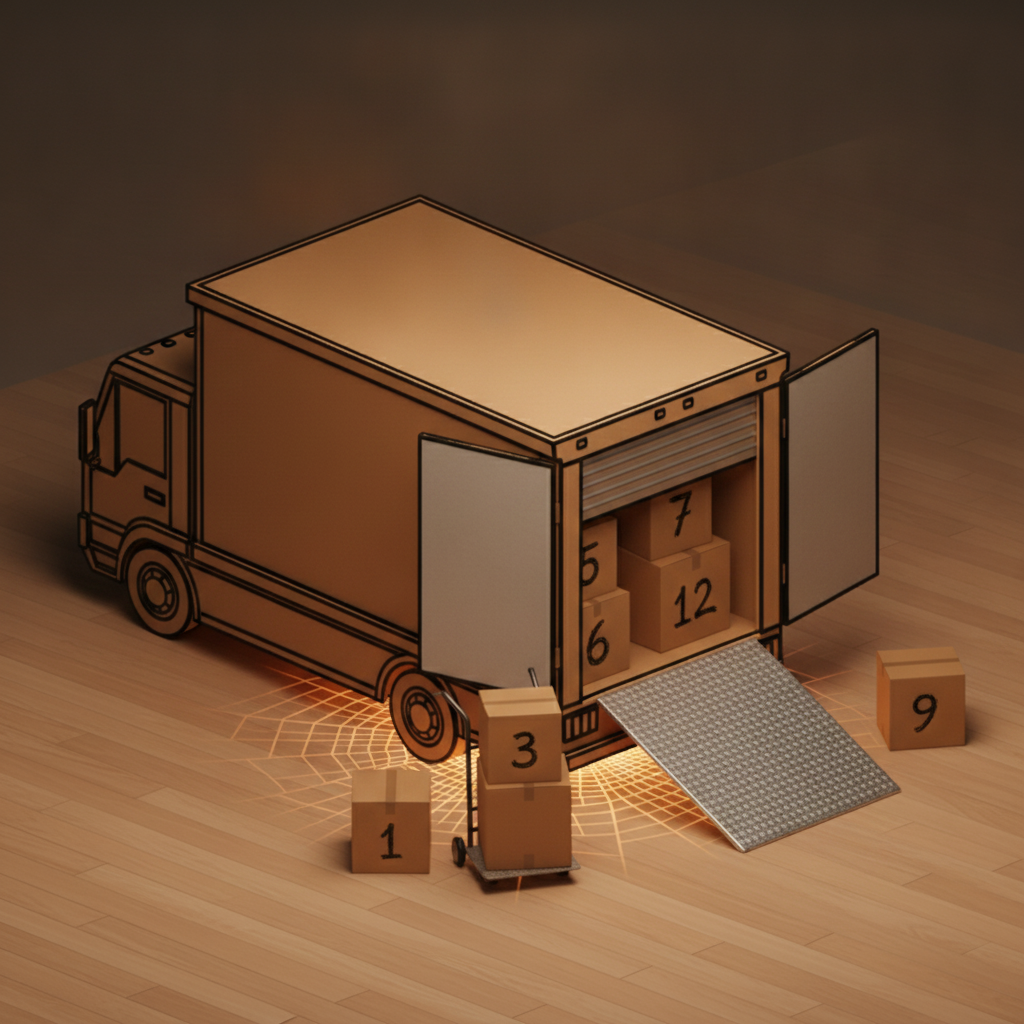
A kraft moving truck with its rear door open, a loading ramp, and numbered boxes on a dolly
Moving

Never lose track of what's in your boxes

Pack and number the way you always would. Unpacking becomes a question, not an excavation.
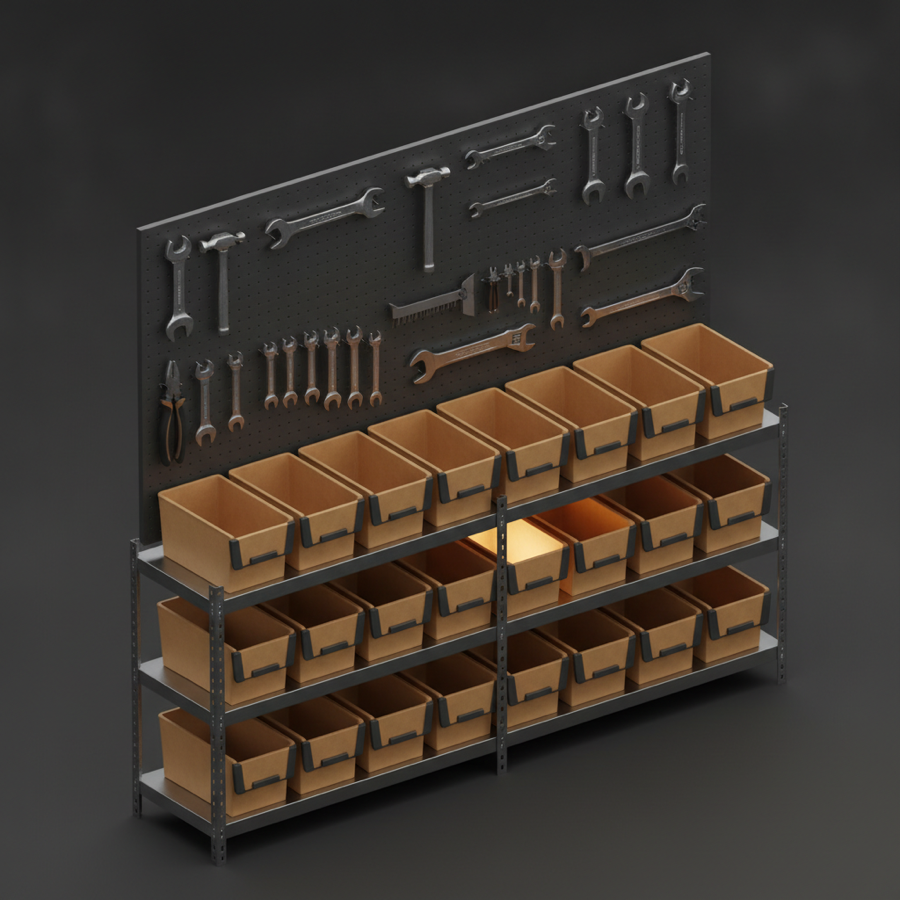
Garage workshop with a pegboard of tools and labeled bins
Garages & shops

Know where every tool and part is

Pegboards, shelves, and bins stop swallowing your gear. Ask and PlaceMap points you to the shelf.
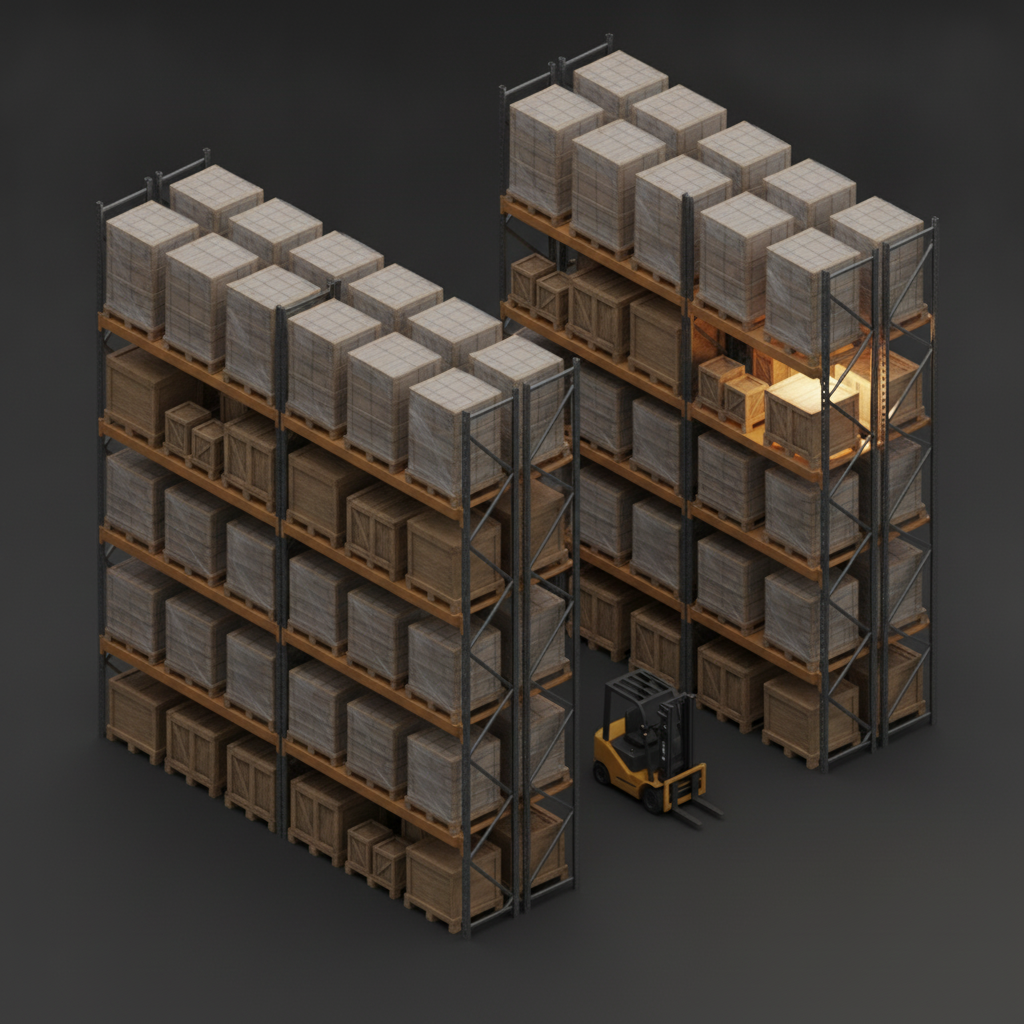
Large warehouse with tall pallet racking and a forklift
Warehouses

Inventory that knows where things actually are

One capture maps every pallet, aisle, and bay — a living picture of what's on hand and where.
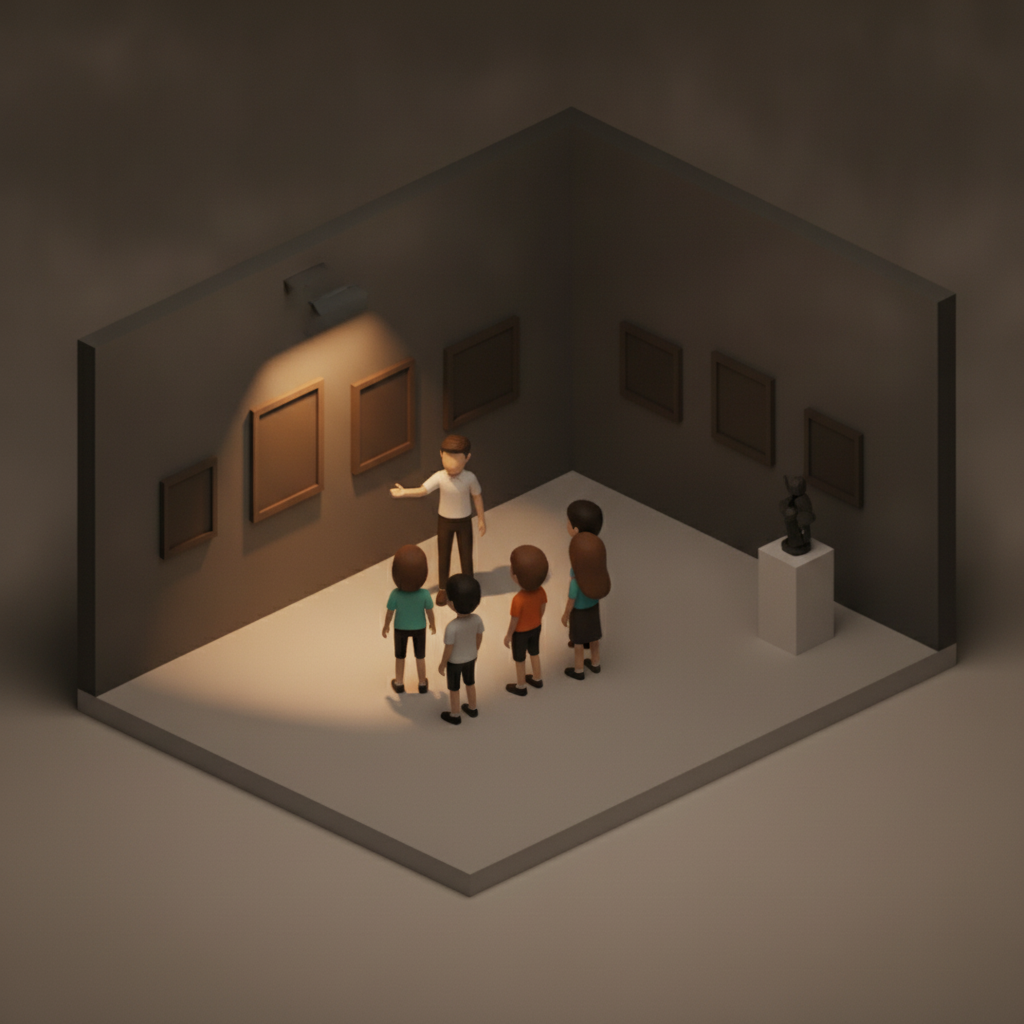
Diorama of a docent leading a small group past paintings in a museum gallery
Museum tours

Never lose a visitor between rooms

Count the group at each gallery and know in a glance if anyone wandered off.
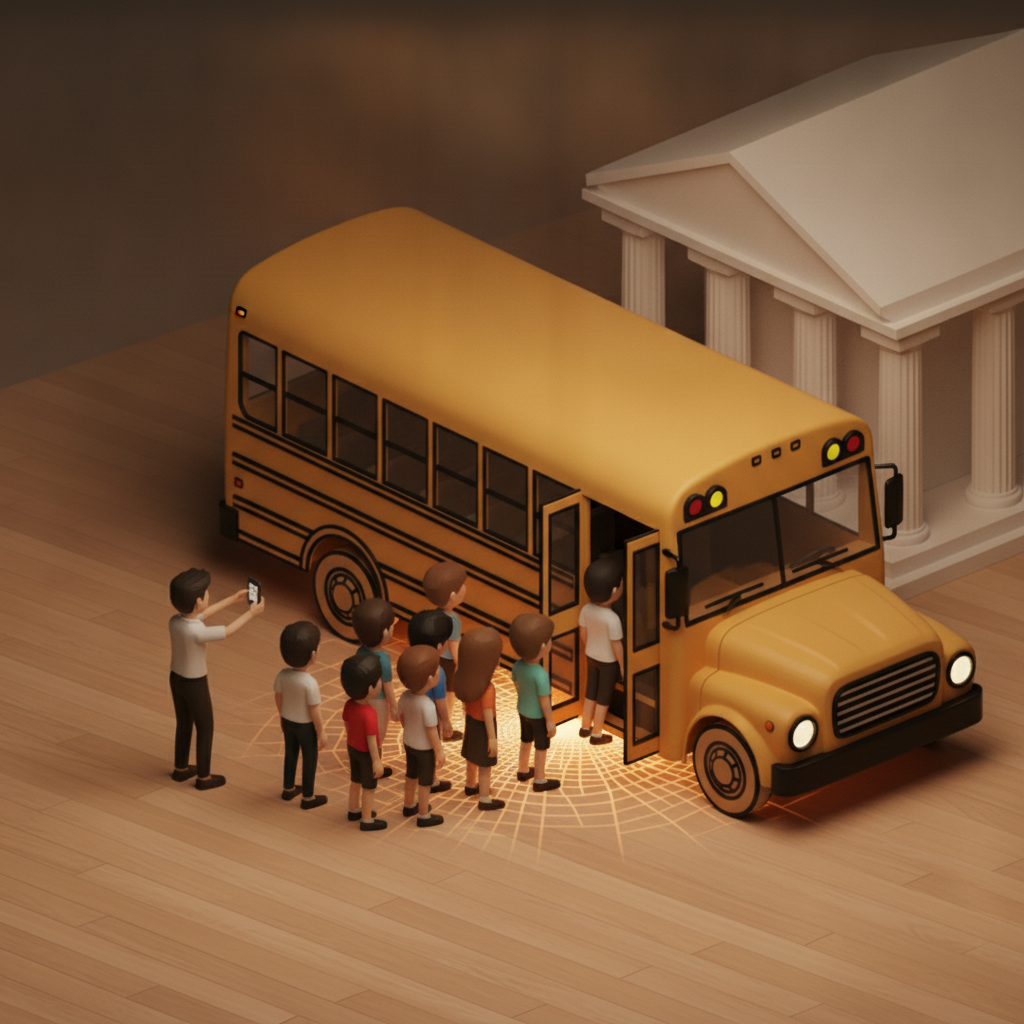
Field trip diorama: a teacher photographing students boarding a yellow school bus at a museum
Field trips & groups

Everyone who left is everyone who's back

Snap the group boarding the bus and PlaceMap counts every head — and flags anyone missing before you pull away.
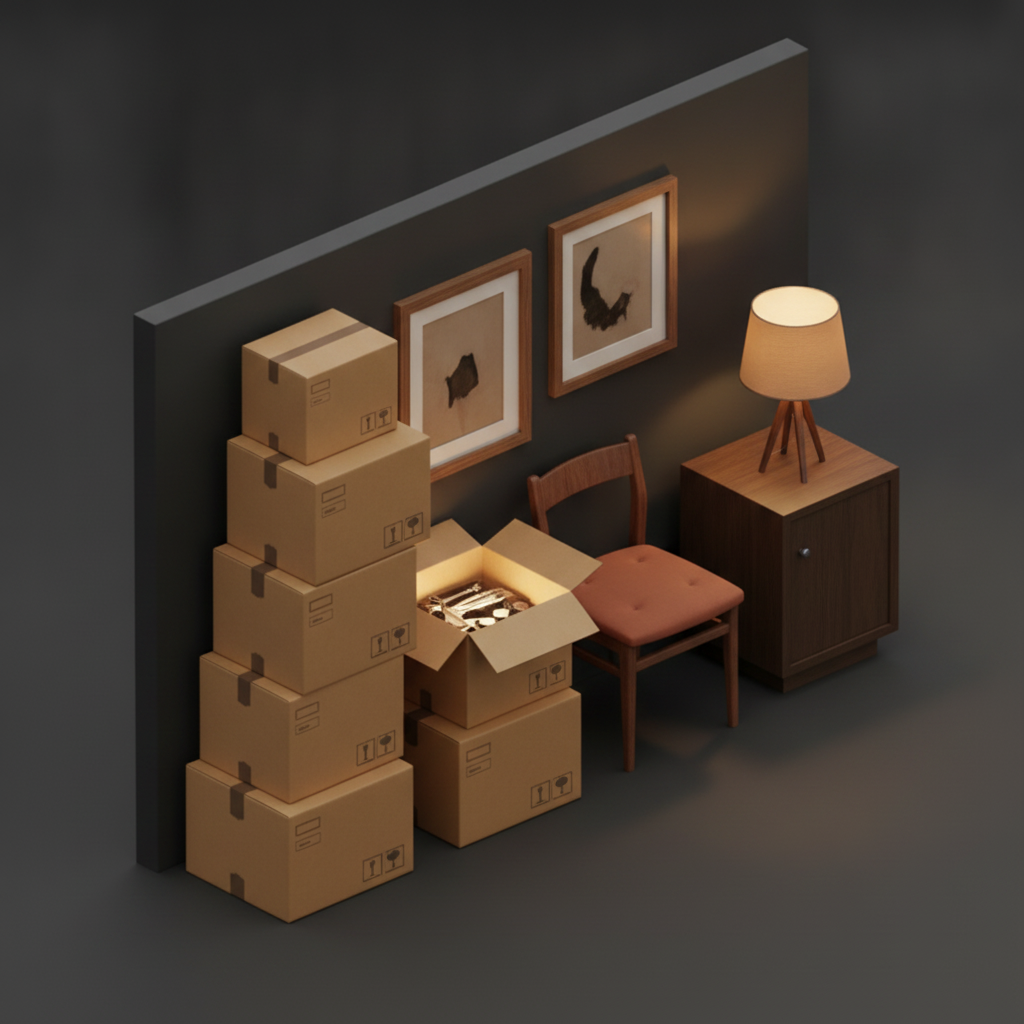
A household room being cataloged with labeled boxes and furniture
Estates & downsizing

Catalog an entire home in hours, not days

An itemized, photographed record of everything — the sane way to sort, split, or sell.
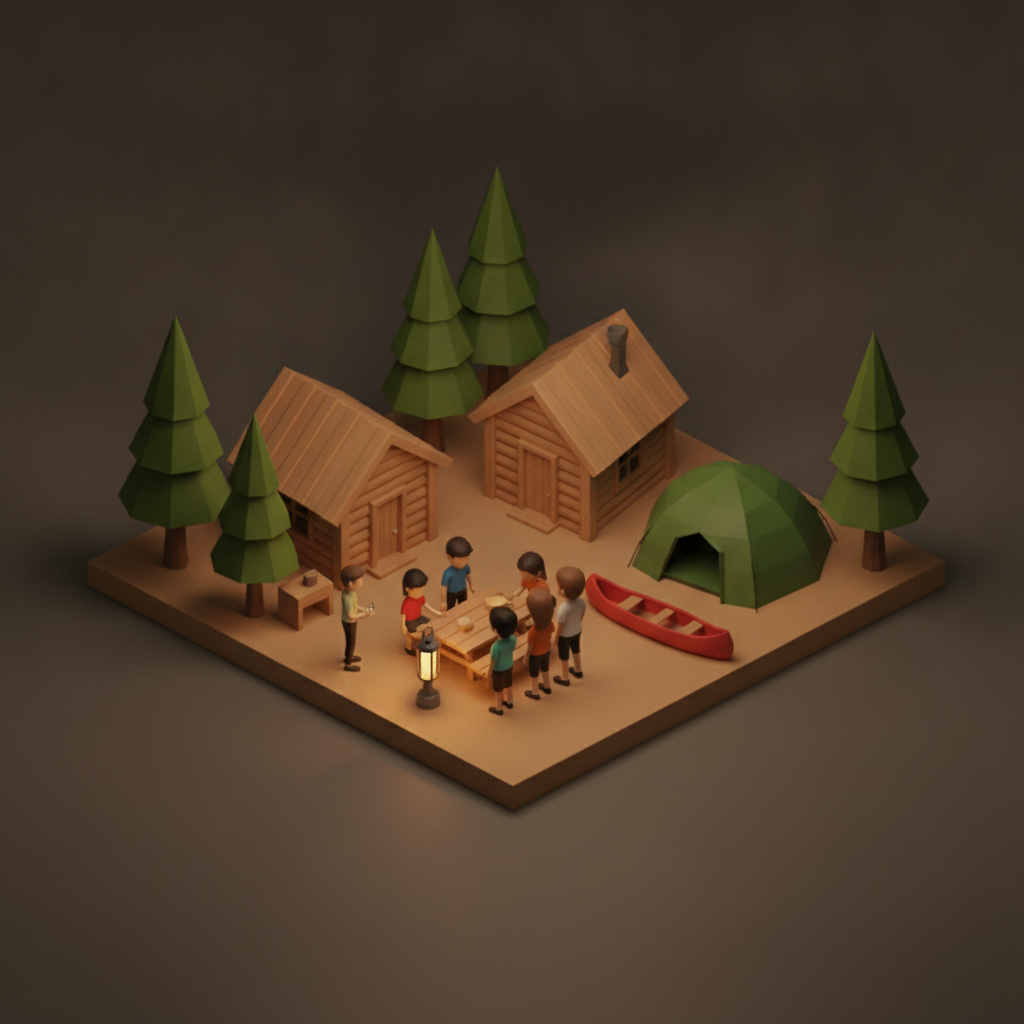
Diorama of campers by cabins, a tent and a canoe among pine trees
Summer camps

Every camper, cabin to canoe

A live headcount at each activity and transition — nobody gets left at the lake.
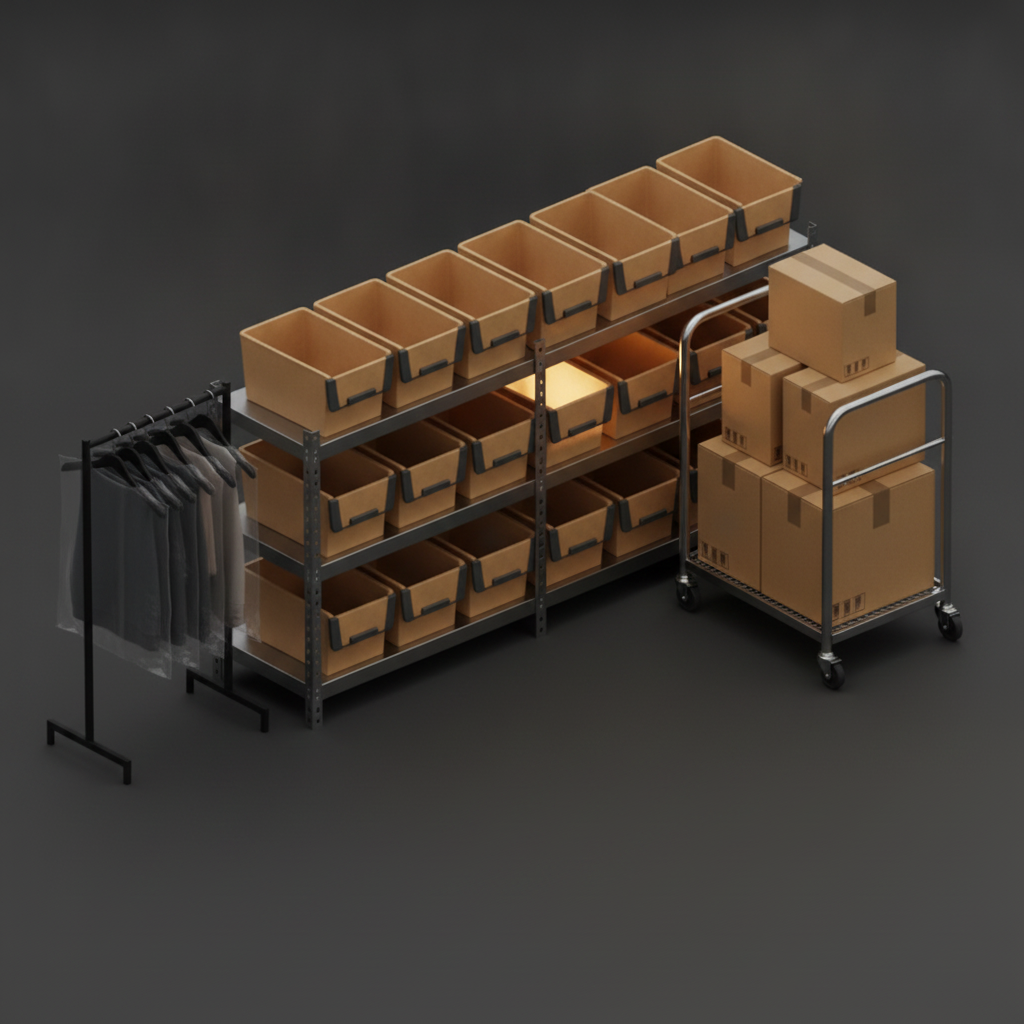
Retail stockroom with a stock cart, garment rack and boxed products
Retail & stockrooms

Find back-room stock from the floor

Locate any item without leaving a customer waiting or tearing the stockroom apart.
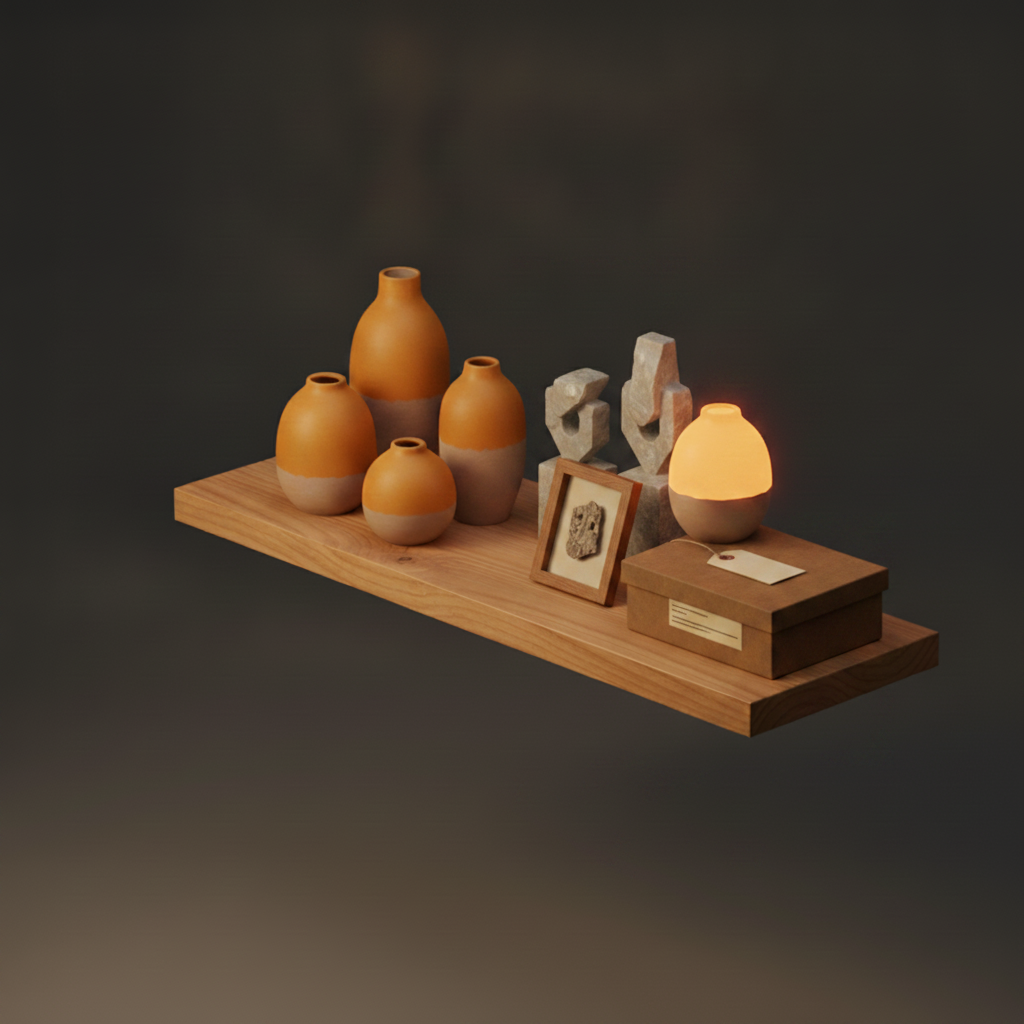
Museum collection shelf with artifacts and specimen boxes
Museums & collections

Track a collection, piece by piece

Every artifact catalogued with its exact place — and a baseline you can check for anything that's moved.
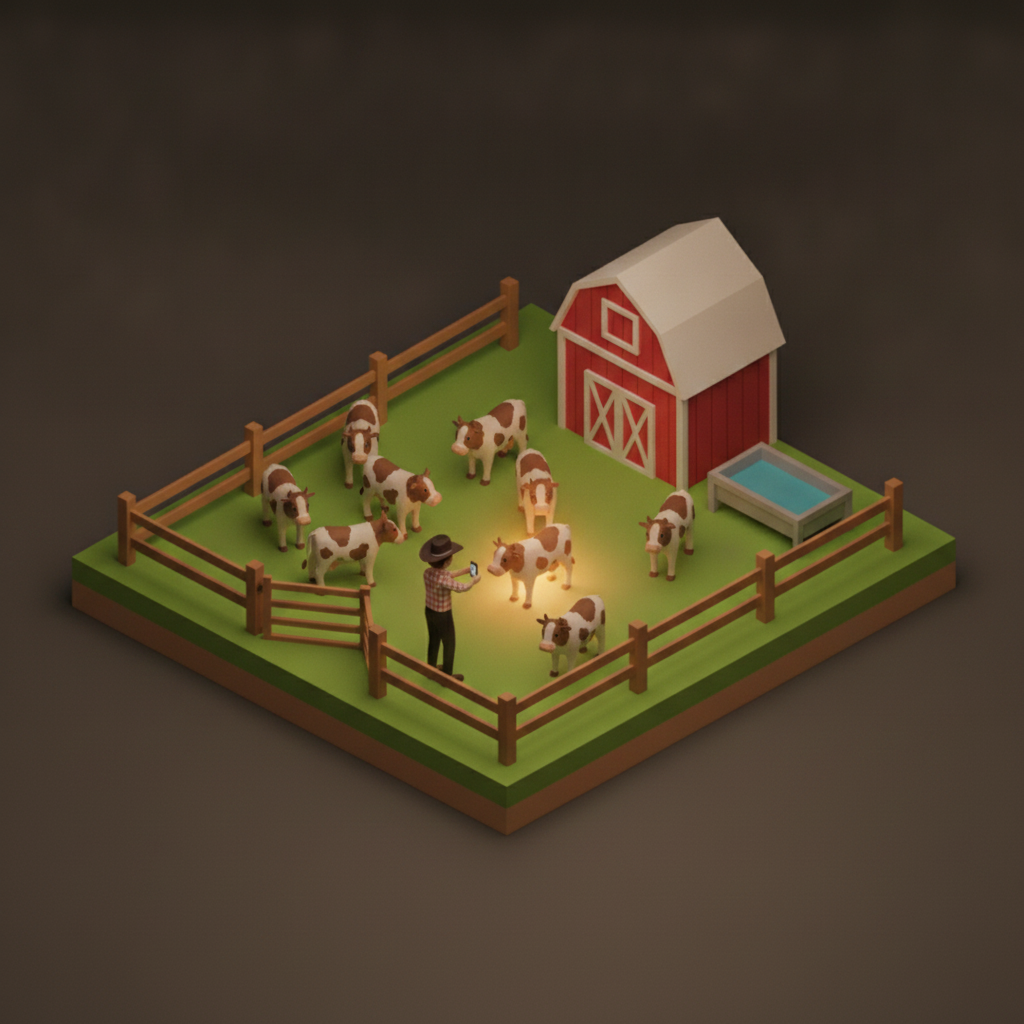
Diorama of cattle in a fenced pasture beside a red barn and water trough
Ranches & livestock

Map the pastures, barns, and feed sheds

Inventory the sheds, tanks, and feed — and see head counts by pasture where animals are tagged.
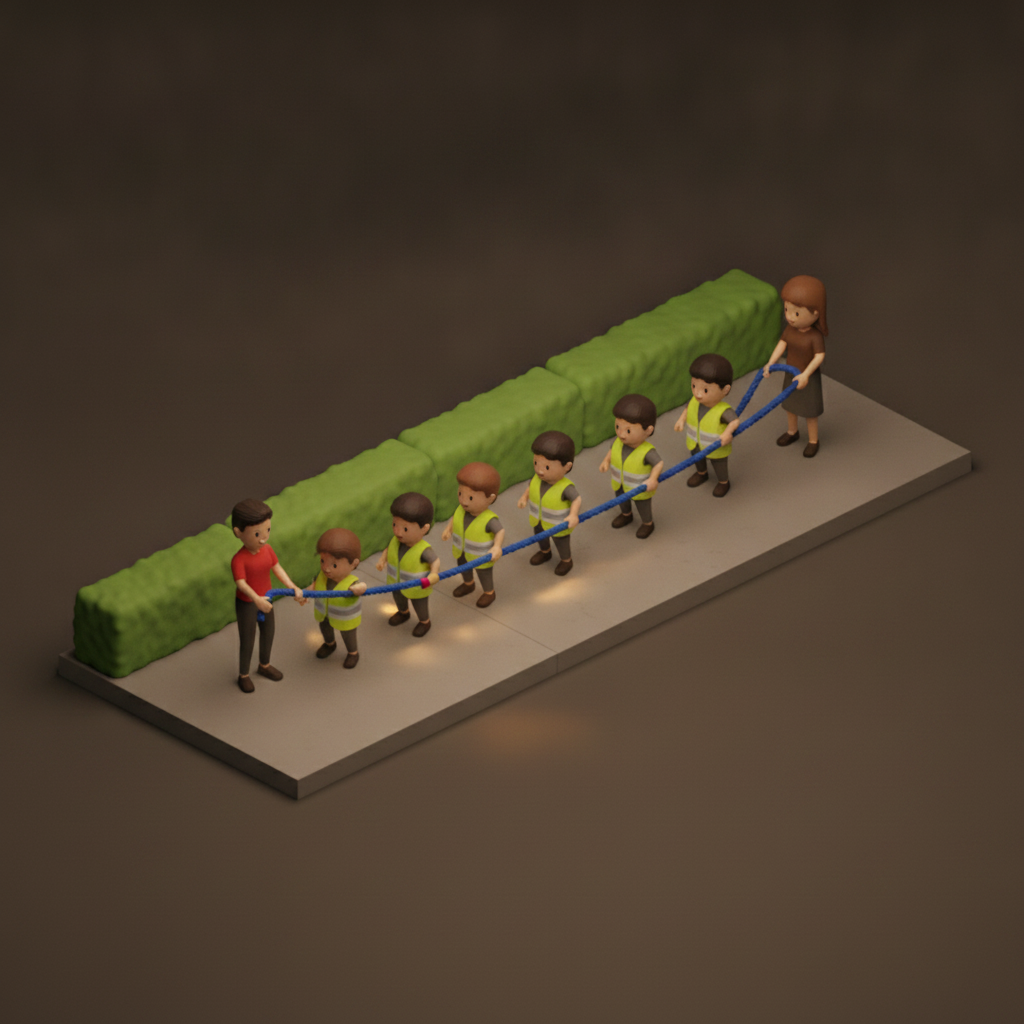
Diorama of toddlers in safety vests holding a walking rope with two teachers
Daycare field trips

Every little one, always in sight

A running headcount on every walk and stop, so the ratio's never in question.
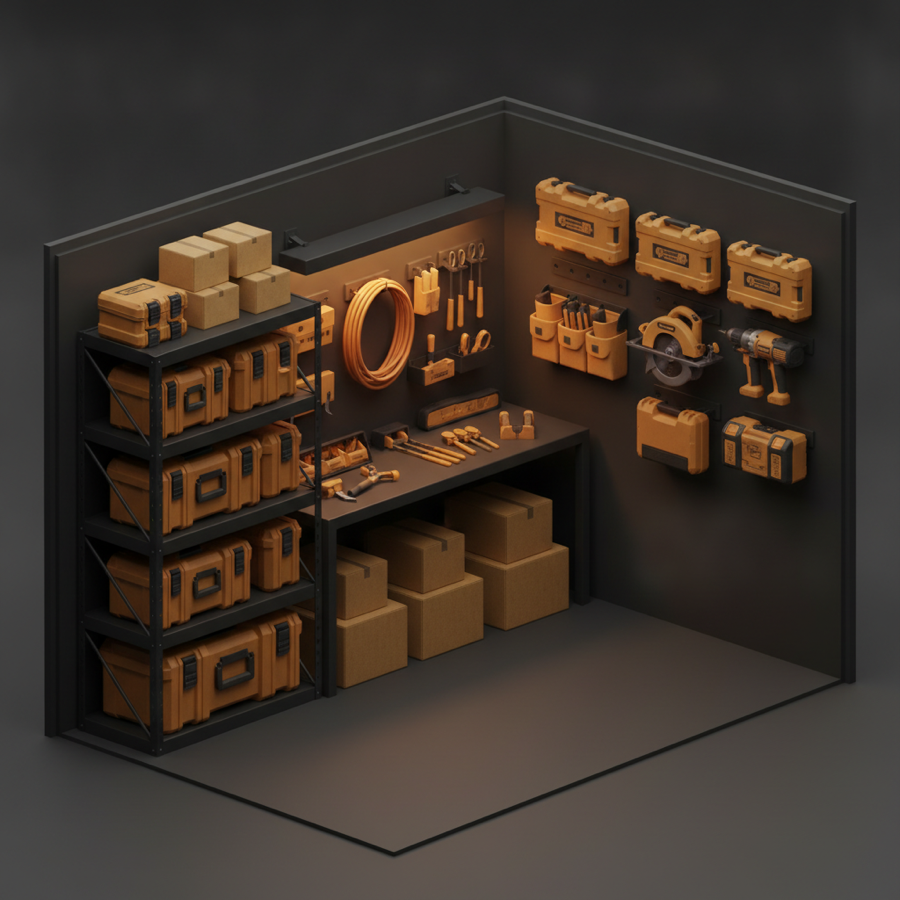
Contractor work trailer with organized tool cases and gear
Construction

Trailers, containers, job sites

Know the full contents of the trailer and put your hand on any tool. When gear moves between jobs, the map moves with it.
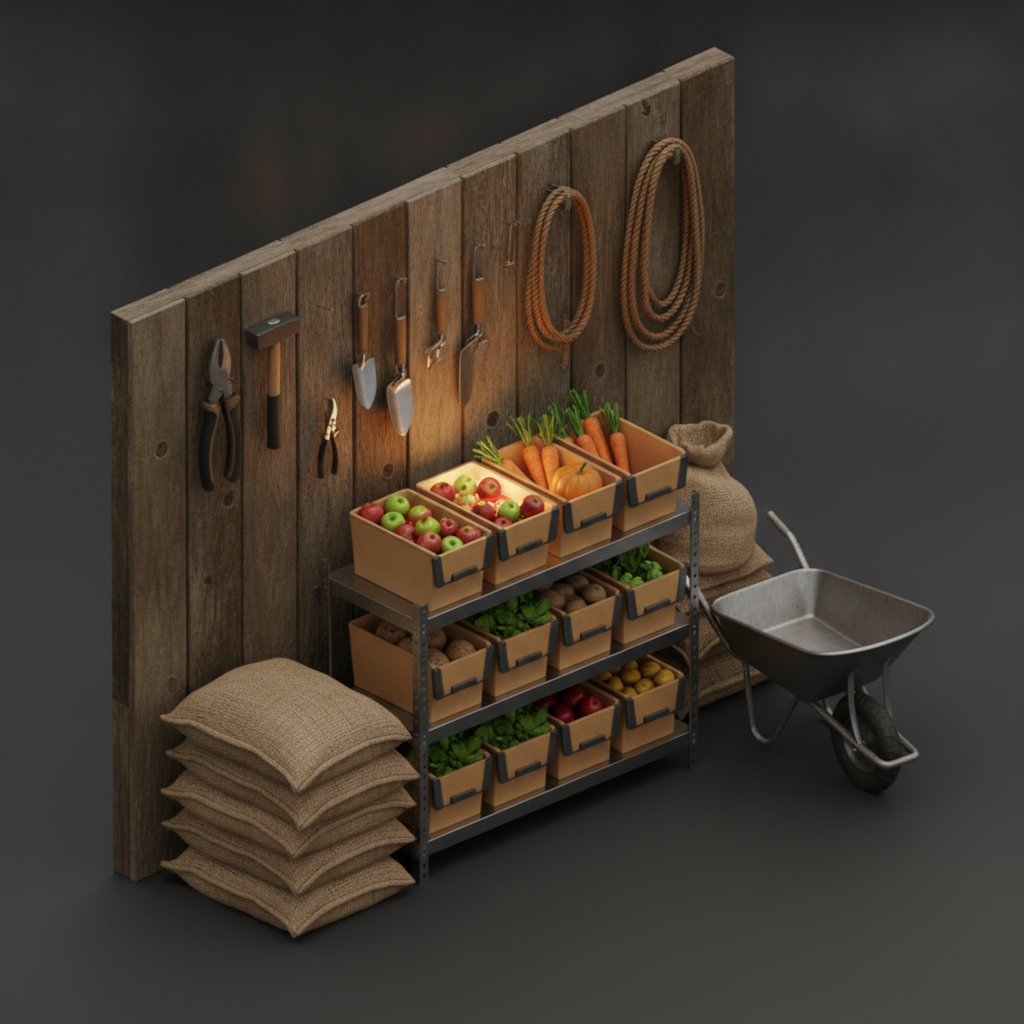
Barn interior with crates of produce, feed sacks, tools and a wheelbarrow
Farms & agriculture

Feed, tools, parts, and produce

Know what's in the barn, the shed, and the shop — and exactly where it's stored.
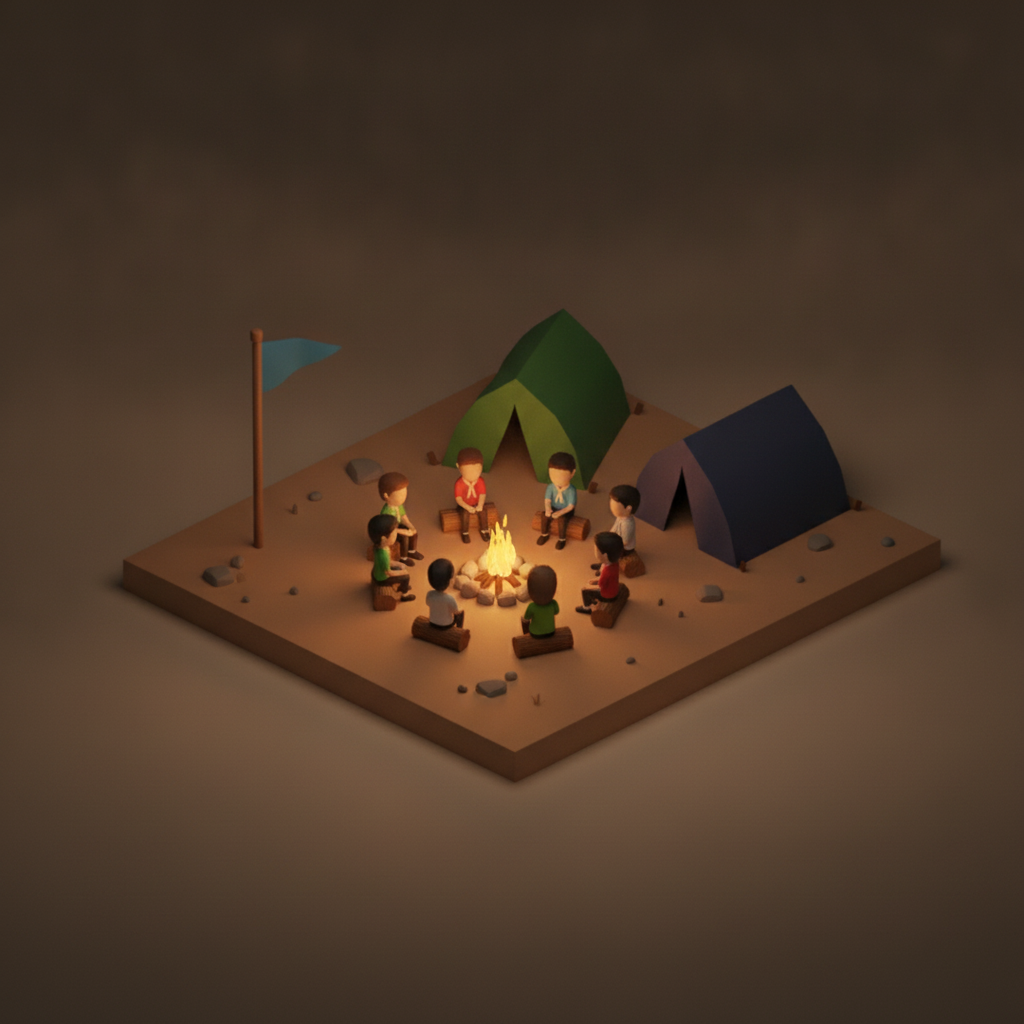
Diorama of a scout troop around a campfire with tents
Scout troops

Whole troop, every stop

Count scouts at the trailhead, the campsite, and the bus before you roll.
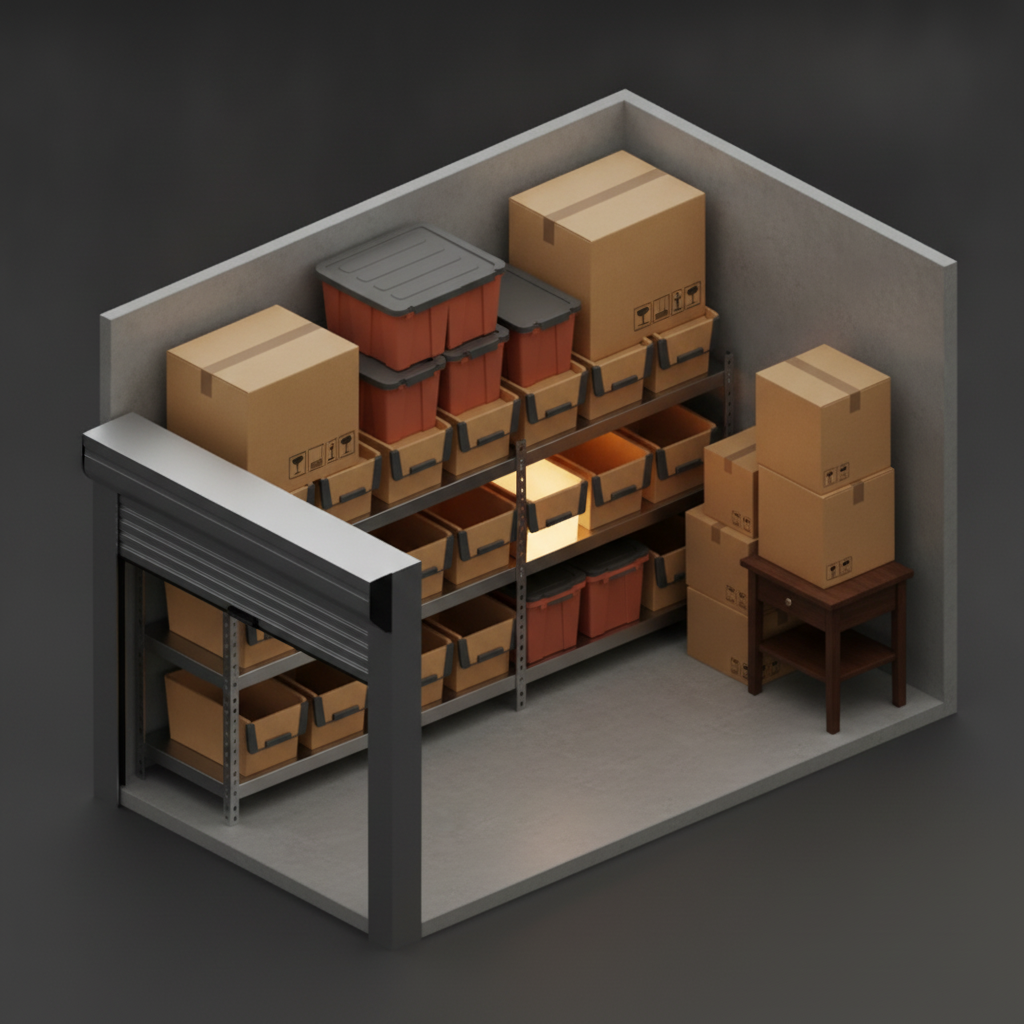
Self-storage unit interior with labeled boxes and totes
Storage units

Stop opening twenty bins to find one item

Know what's inside — and exactly where — before you ever drive over.
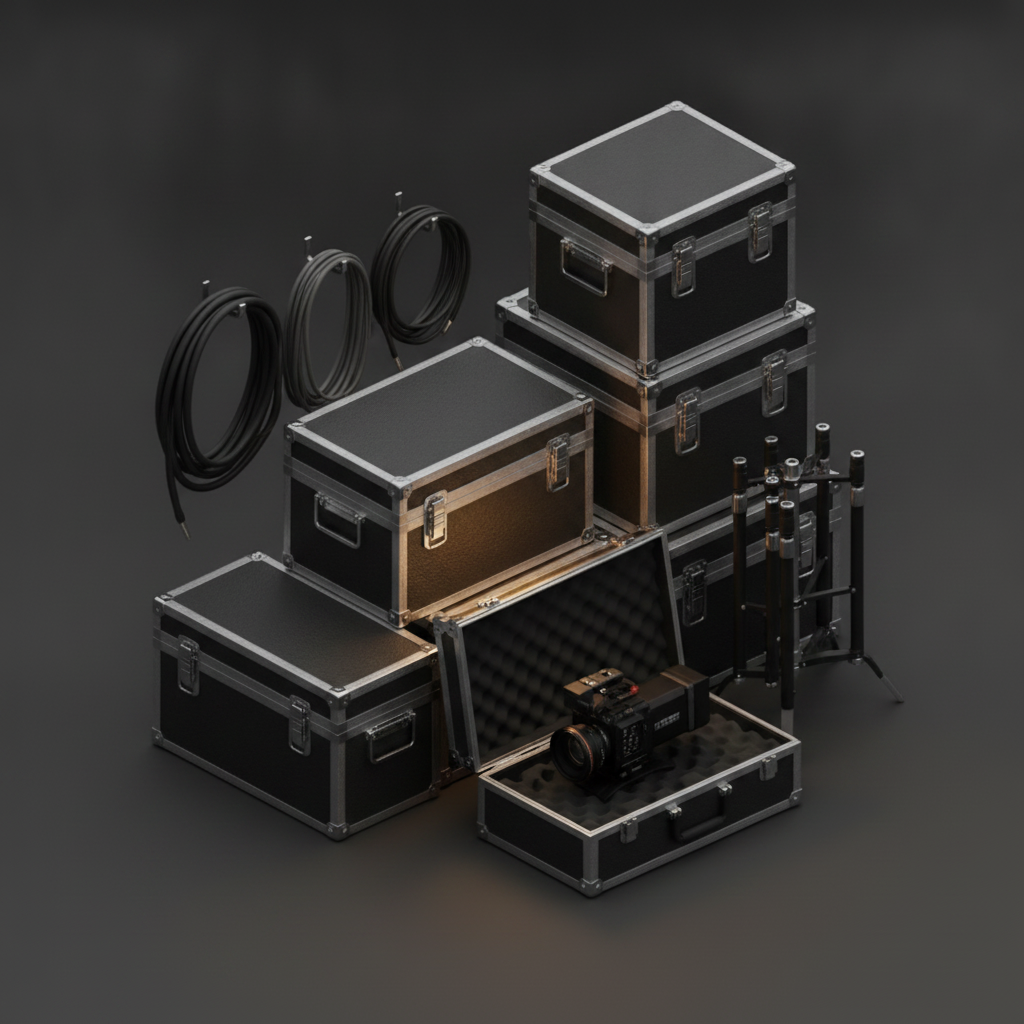
Film production gear cage with black road cases, cables and a camera
Film & production

Every case, cable, and camera

Track the whole gear cage across a shoot — road cases, lenses, cables, stands.
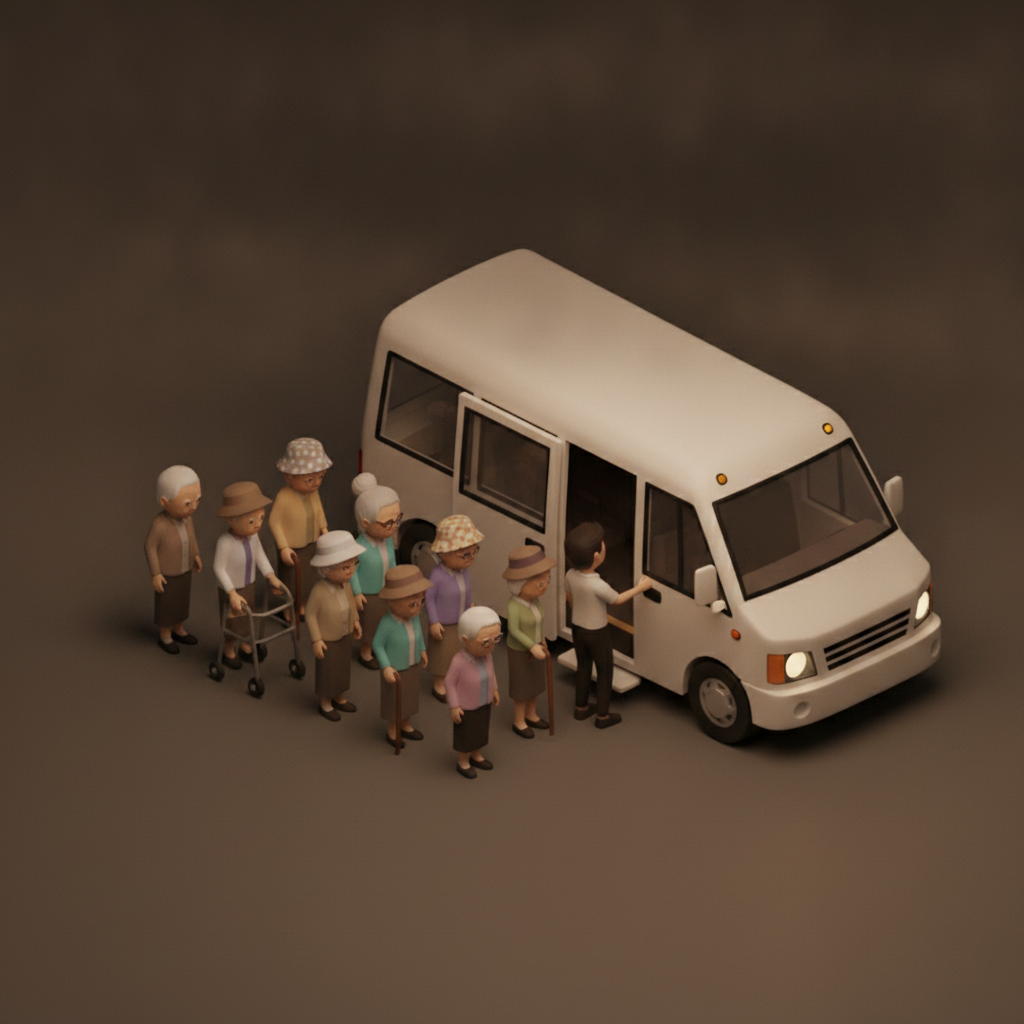
Diorama of older adults boarding a small shuttle van with a helper
Senior living outings

Everyone who boarded is everyone who's back

Confirm the group at each stop so no resident is ever left behind.

Hotel/Airbnb supply shelf with folded linens and toiletries
Hotels & Airbnbs

Every unit, stocked and accounted for

Track linens, supplies, and what each unit holds — so turnovers stop turning into scavenger hunts.
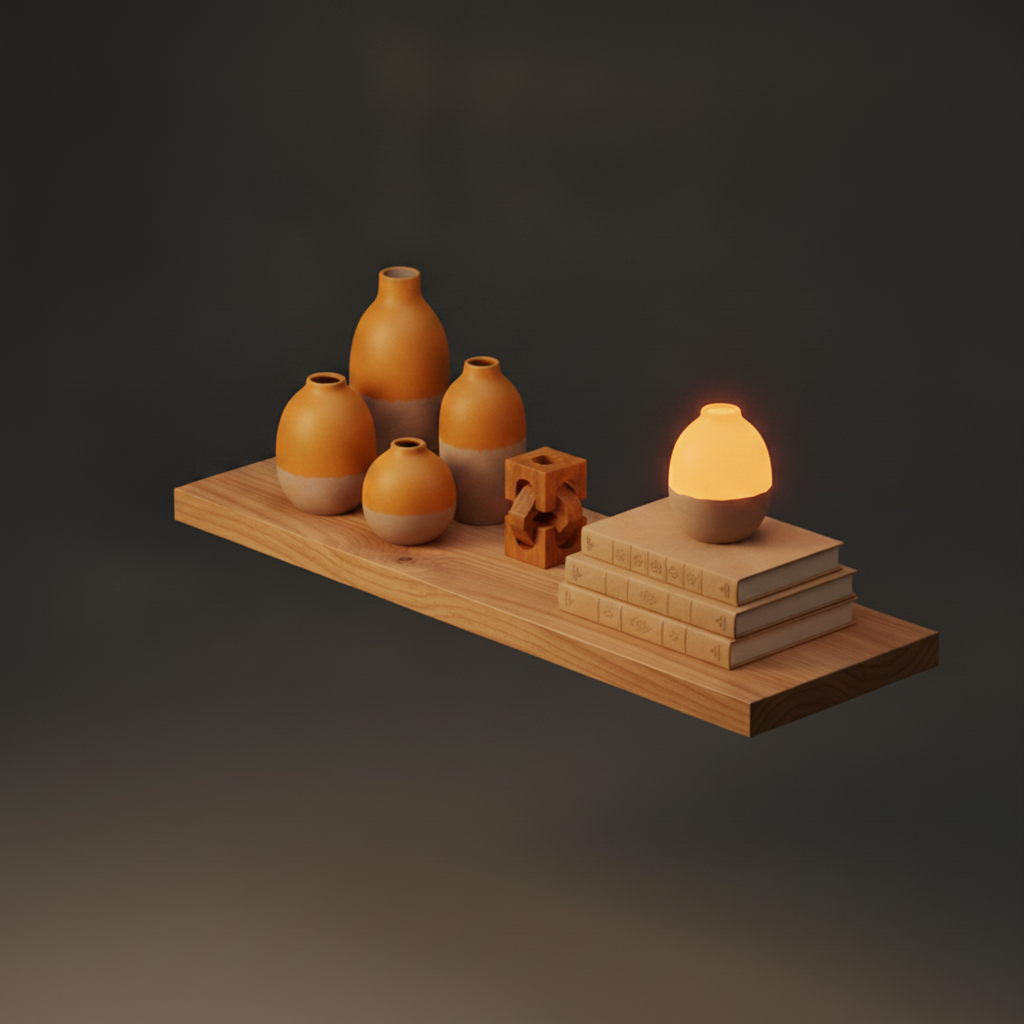
A shelf of valuables and books with a warm focal light
Insurance & home inventory

Document everything, before and after a loss

An AI-itemized, timestamped record of what you own. If fire, flood, or theft hits, the claim is already half done.
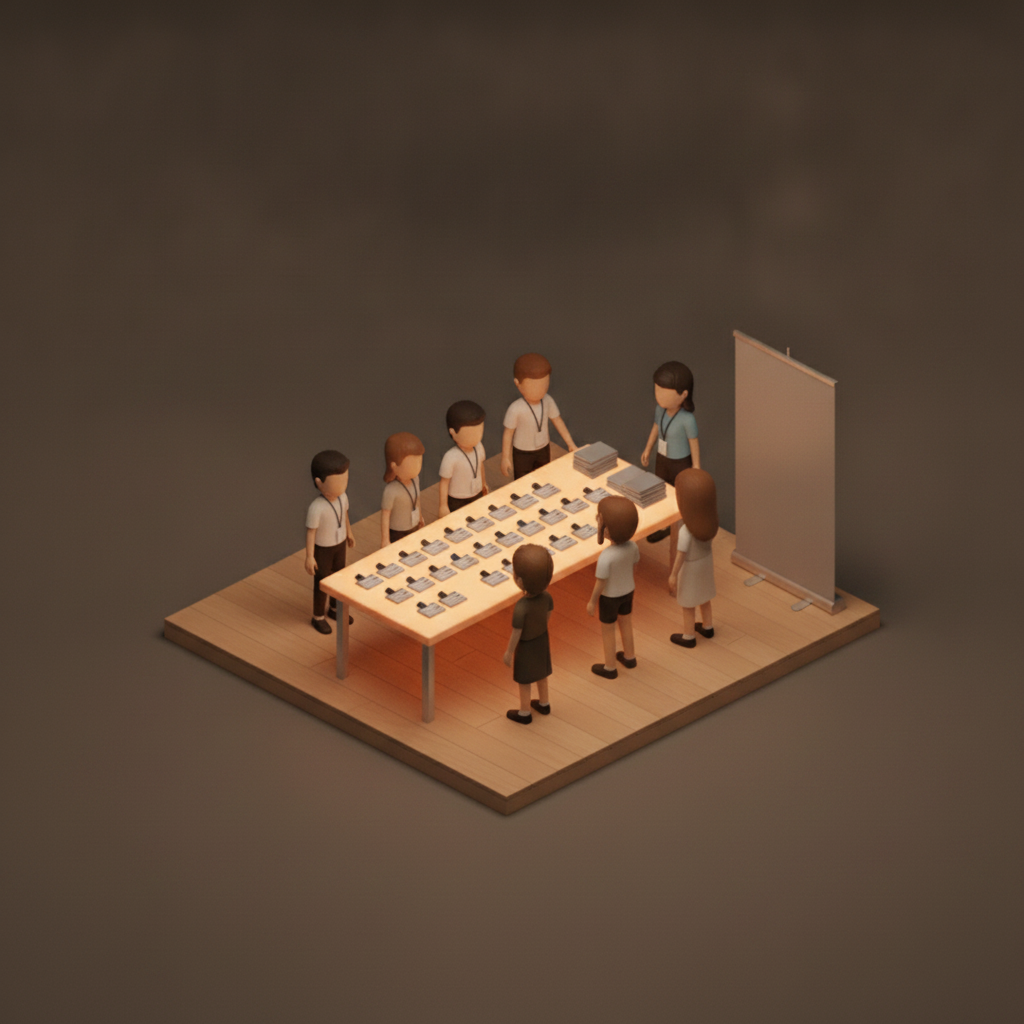
Diorama of adults with lanyards at a check-in table with name badges
Corporate & team events

Know who showed and who's still out

Live check-in and headcount across sessions, offsites, and shuttles.
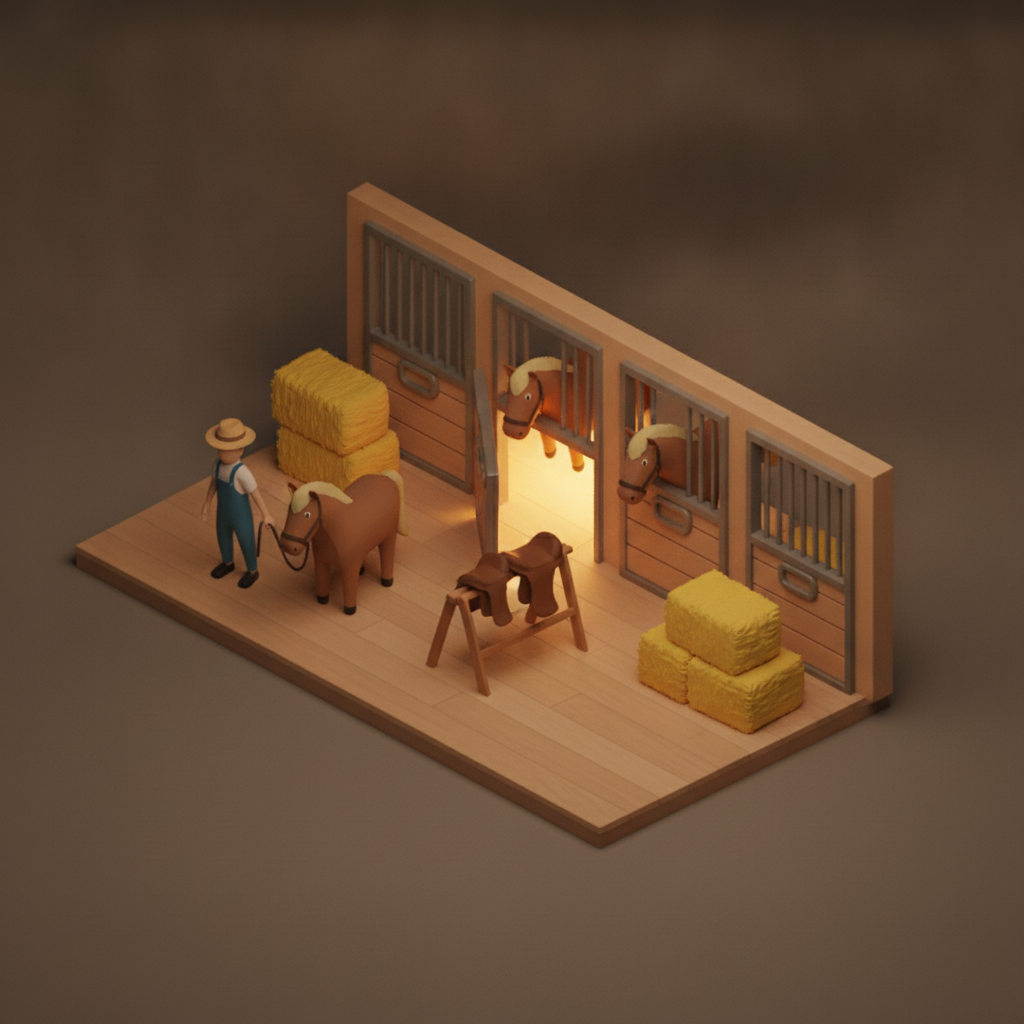
Diorama of a horse barn with stalls, hay bales and a handler
Barns & stables

Every stall, tack room, and feed store

Know what's in each stall, the tack room, and the hay store — every place on the property mapped.
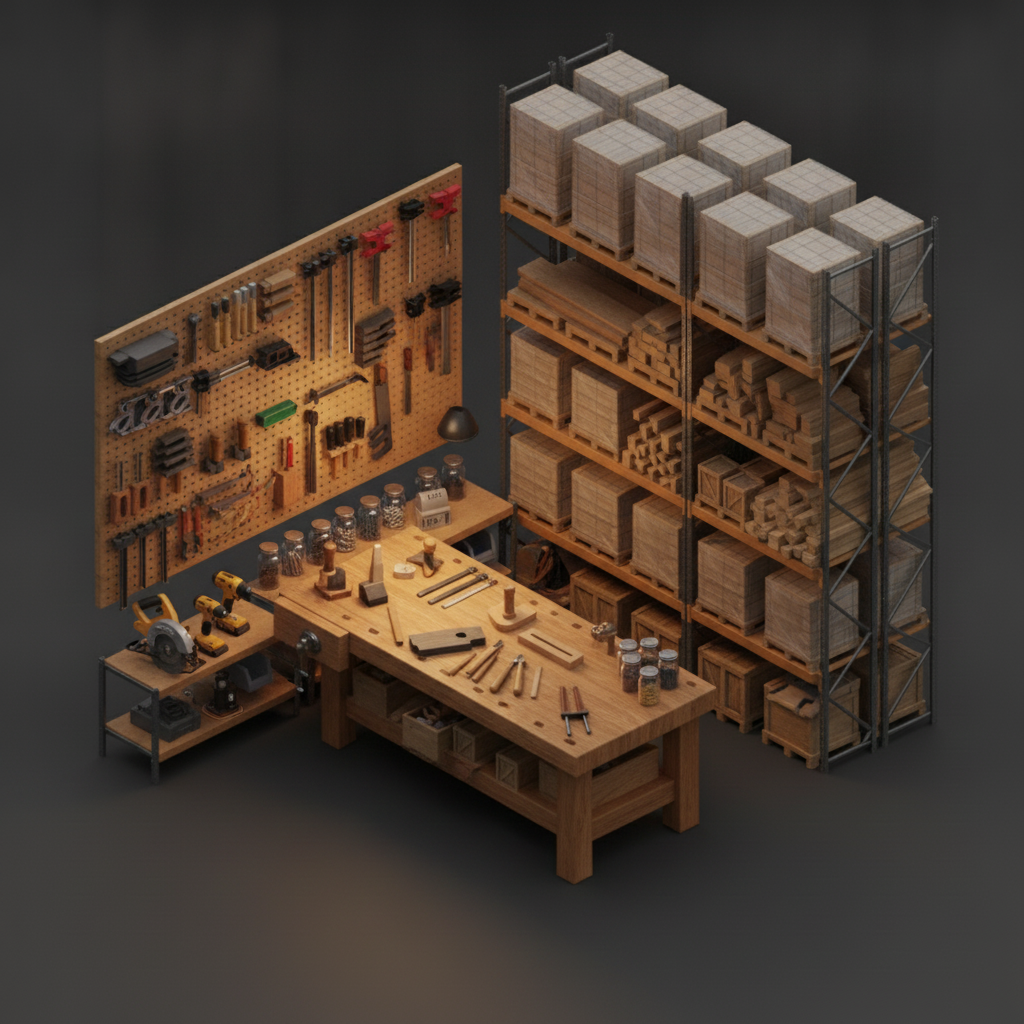
Woodworking makerspace with a workbench, wall of clamps and stacked lumber
Workshops & makerspaces

Tools and stock, always accounted for

Shared benches stop losing tools. Ask where the jig, bit, or clamp lives and go straight to it.
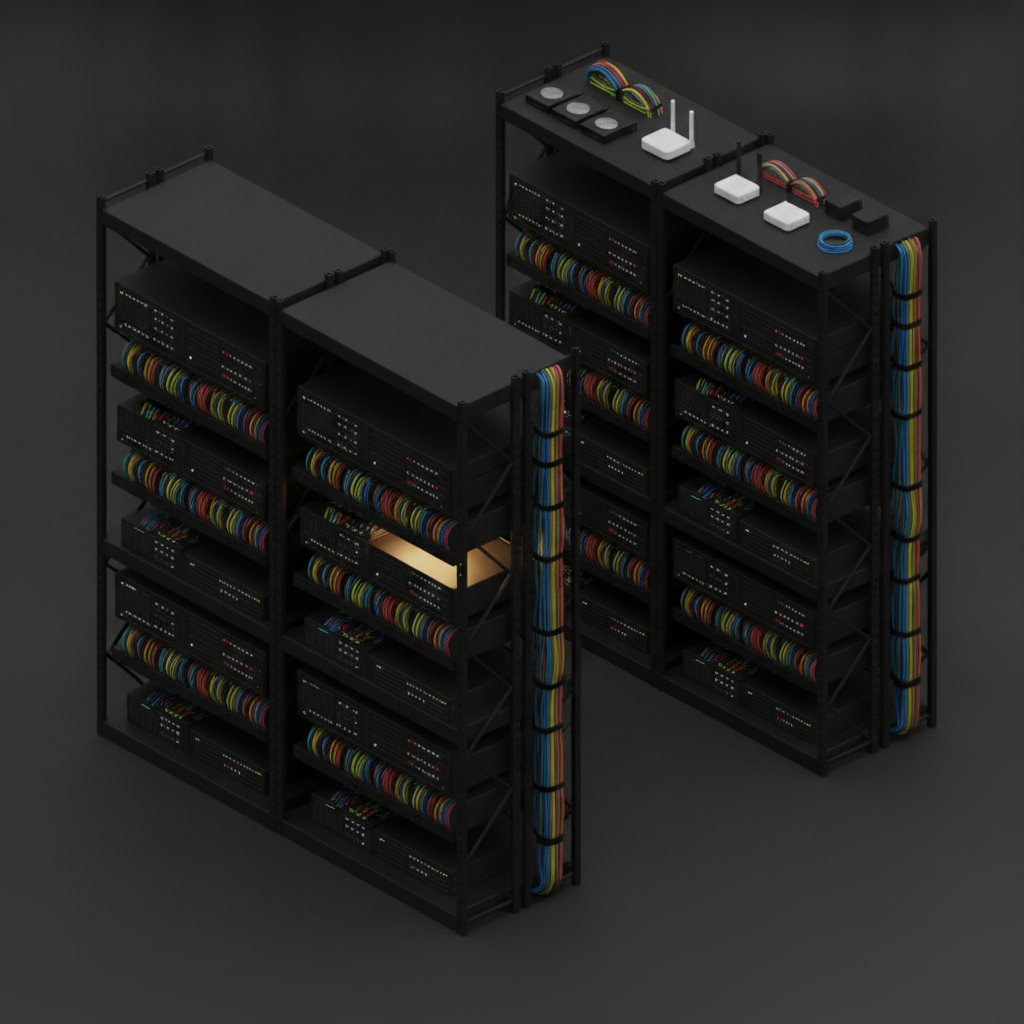
IT server room with two racks, network switches and bundled cables
IT & server rooms

Know every unit, cable, and spare

Map racks, switches, and the spares shelf — so audits and swaps don't start with a search.
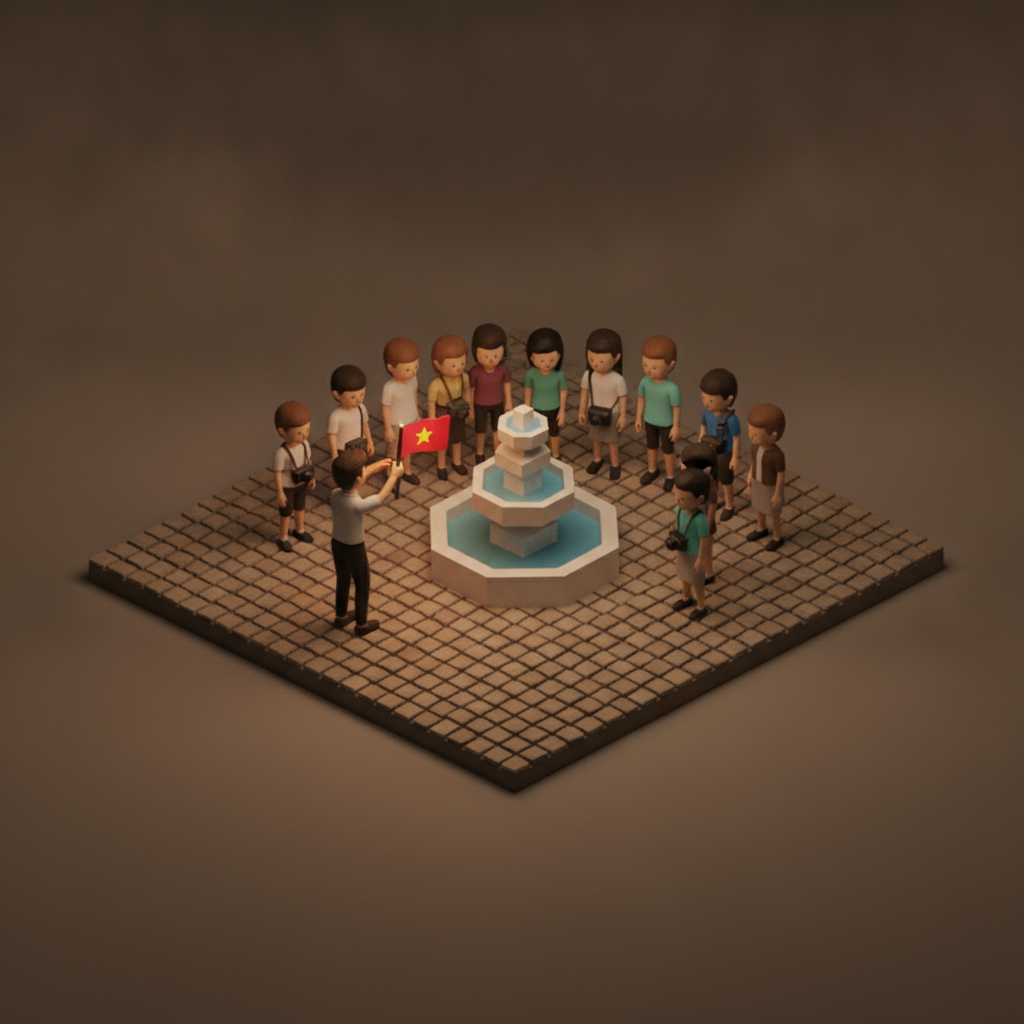
Diorama of a tour guide with a flag leading tourists across a plaza with a fountain
Tour groups

Keep the whole group together

One glance tells you everyone's here before the guide moves on.
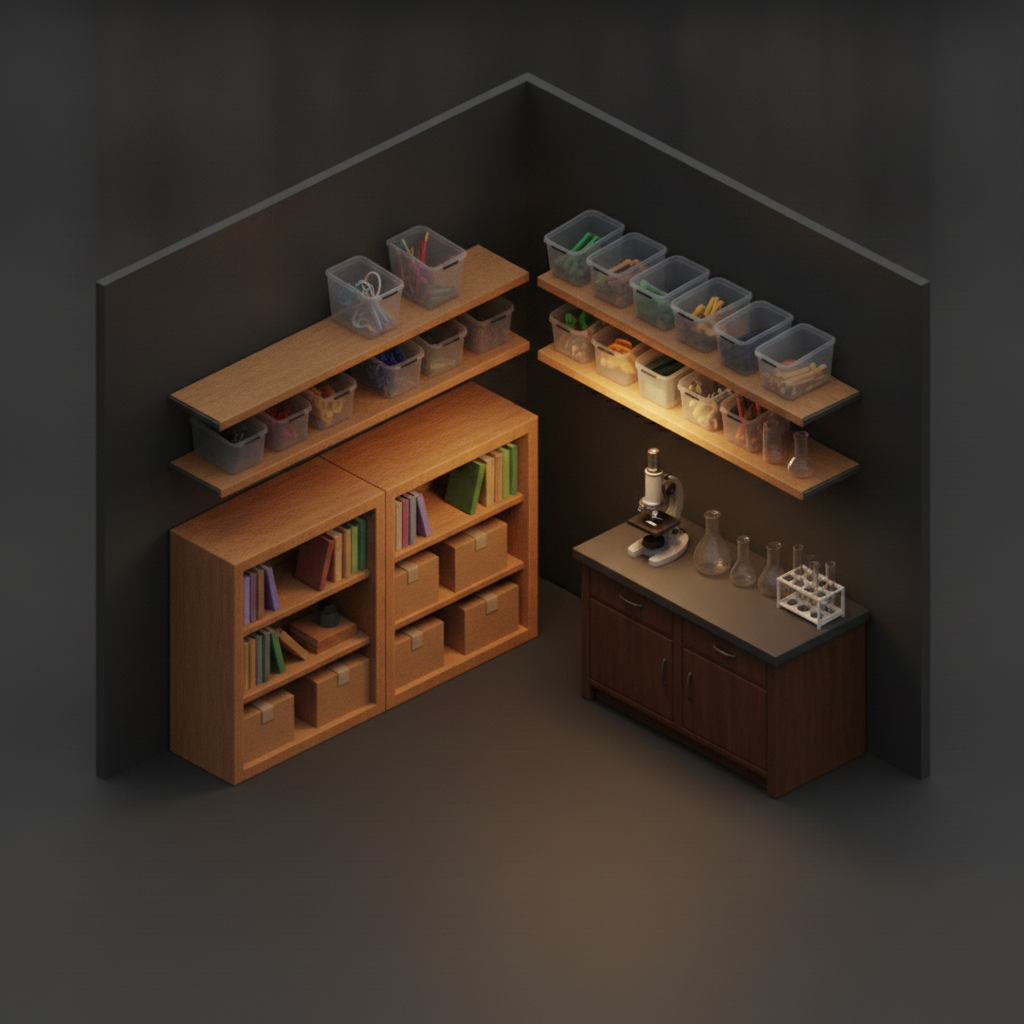
Science classroom corner with bookshelves, a microscope and racks of beakers
Classrooms & labs

Supplies, kits, and equipment — found fast

Beakers, kits, devices, and supply bins all catalogued, so staff and students find what they need without digging.

Library corner with tall bookcases of colorful spines and a rolling cart
Libraries & archives

Every volume and box in its place

Catalog shelves, special collections, and archive boxes — and know instantly which shelf holds what.
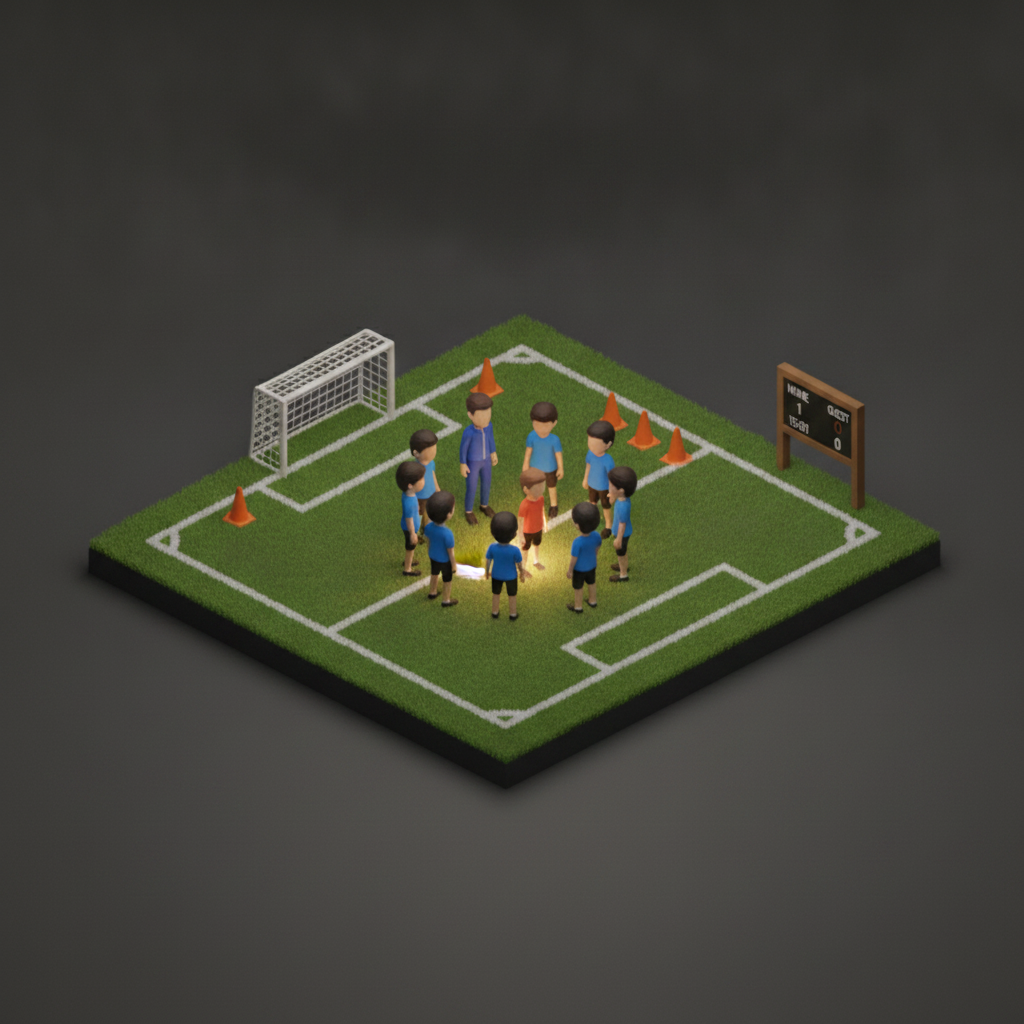
Diorama of a youth soccer team around a coach on a green field
Sports tournaments

Every player and bag on the bus

A roster check at each field and departure — no athlete or gear left behind.
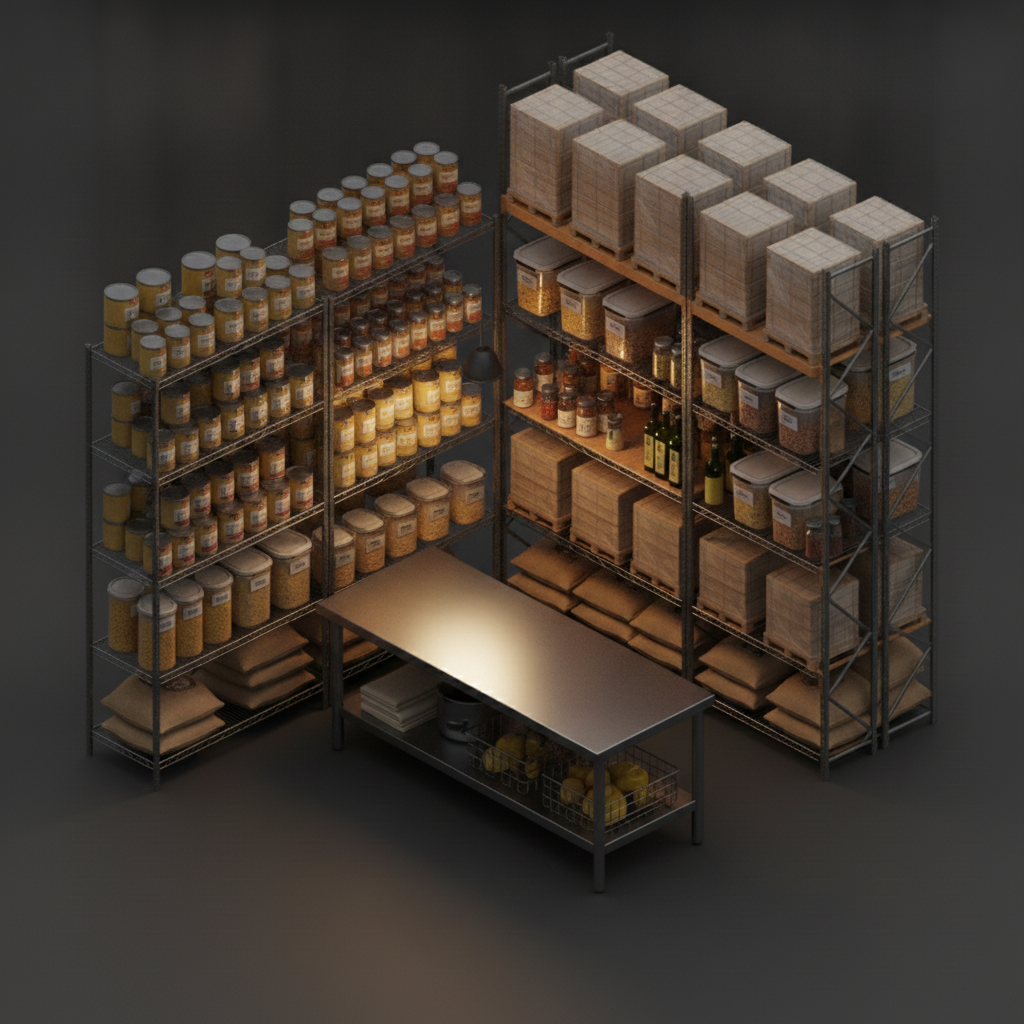
Restaurant dry-storage pantry with stainless shelving of cans and containers
Kitchens & pantries

Dry storage that counts itself

Track cans, containers, and bulk stock across the walk-in and shelves — reorder before you run out.
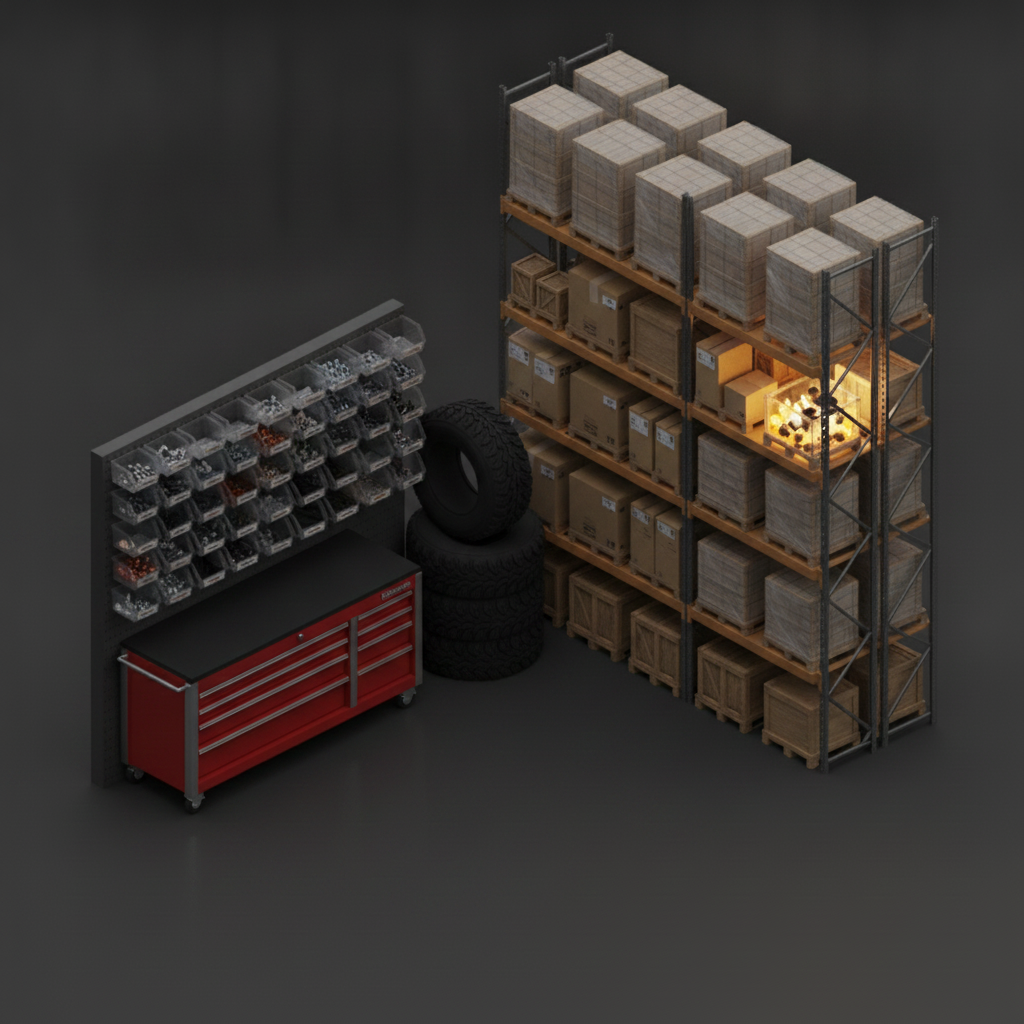
Auto shop parts area with a red tool chest, parts bins and stacked tires
Auto shops & parts

Every part, tire, and tool placed

Parts bins, tires, and tool chests mapped — put your hand on the right part without walking the shop.

Diorama of a festival crowd facing a small lit stage with string lights
Festivals & crowds

Know your headcount in real time

Track group size and staff by zone across a busy, moving crowd.
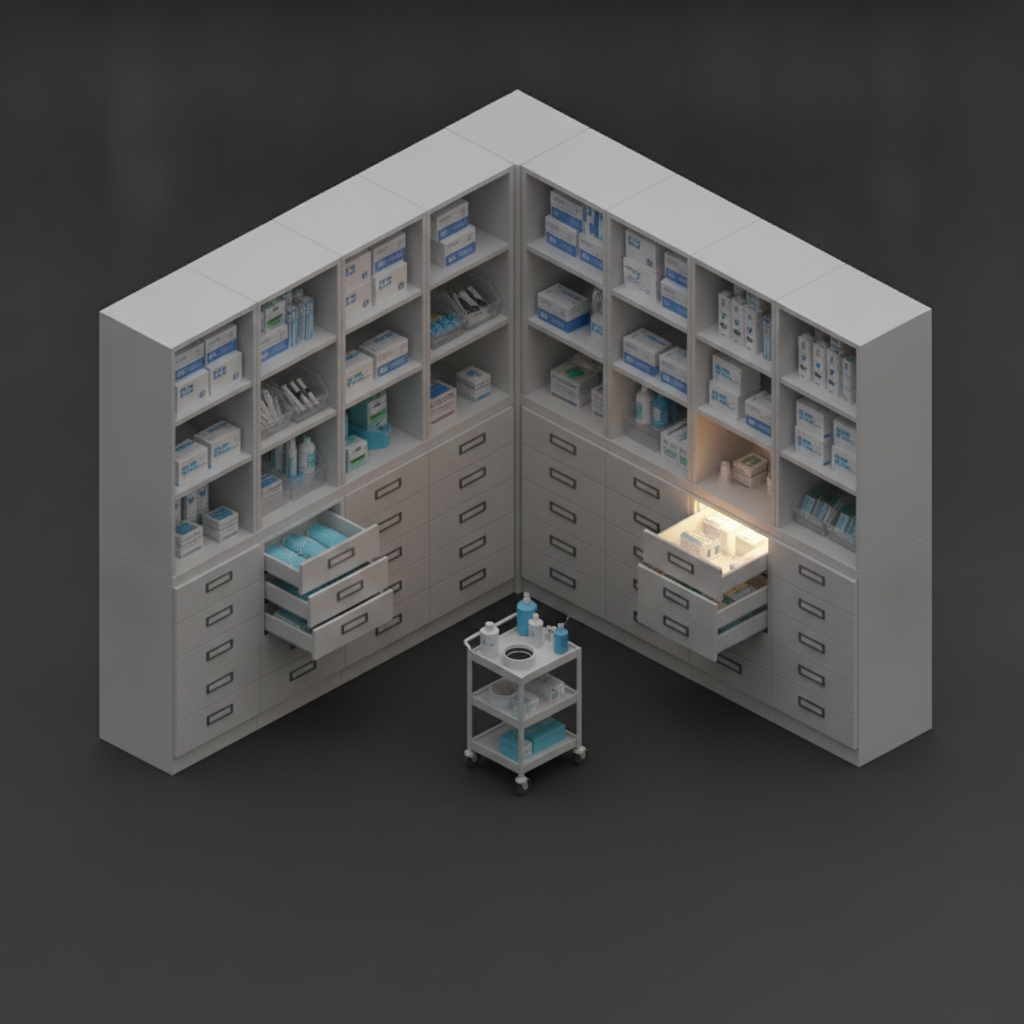
Medical clinic supply room with white cabinets, labeled drawers and supply bins
Medical & dental supply

Supplies stocked, dated, and located

Know what's in every drawer and cabinet, and where — so nothing runs out mid-day.
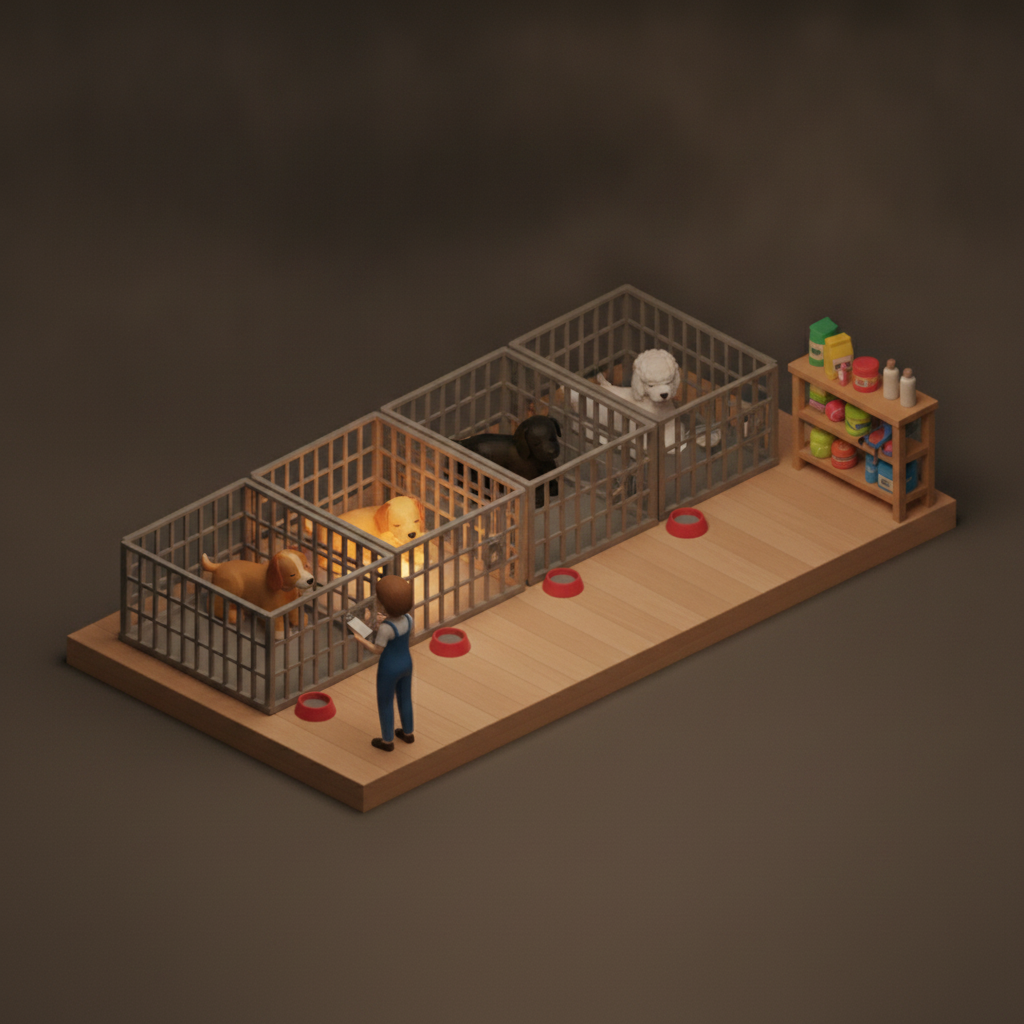
Diorama of a dog daycare with kennel runs, food bowls and a staff member
Kennels & pet care

Every run, shelf, and supply

Track kennels, food, and meds — every run and supply shelf accounted for.
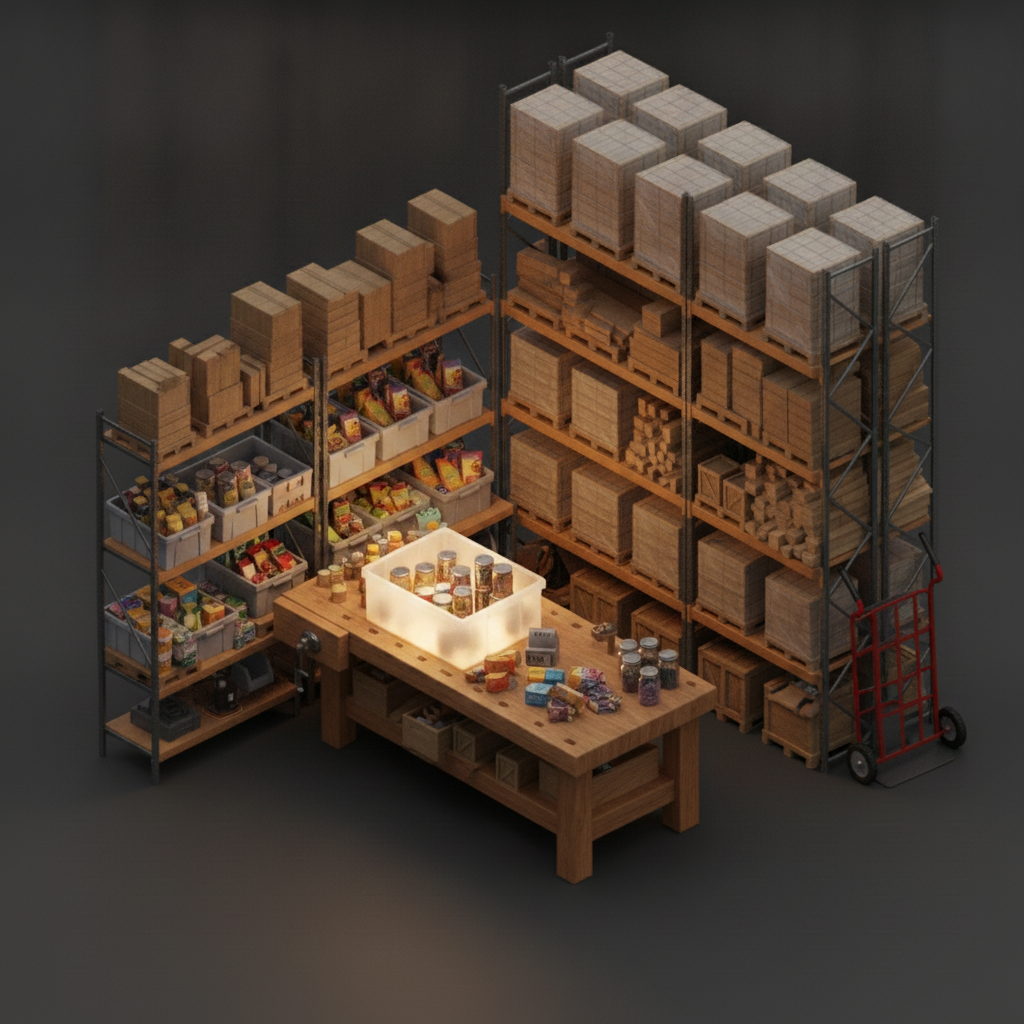
Food-bank sorting area with shelves and bins of canned and packaged donations
Food banks & nonprofits

Donations sorted and findable

Sorted bins and pallets mapped as they come in — volunteers find and pull what's needed fast.

Diorama of conference attendees with badges among exhibitor booths
Conferences & trade shows

Who's in the room, and where

Live attendance by session and booth — watch turnout as it happens.
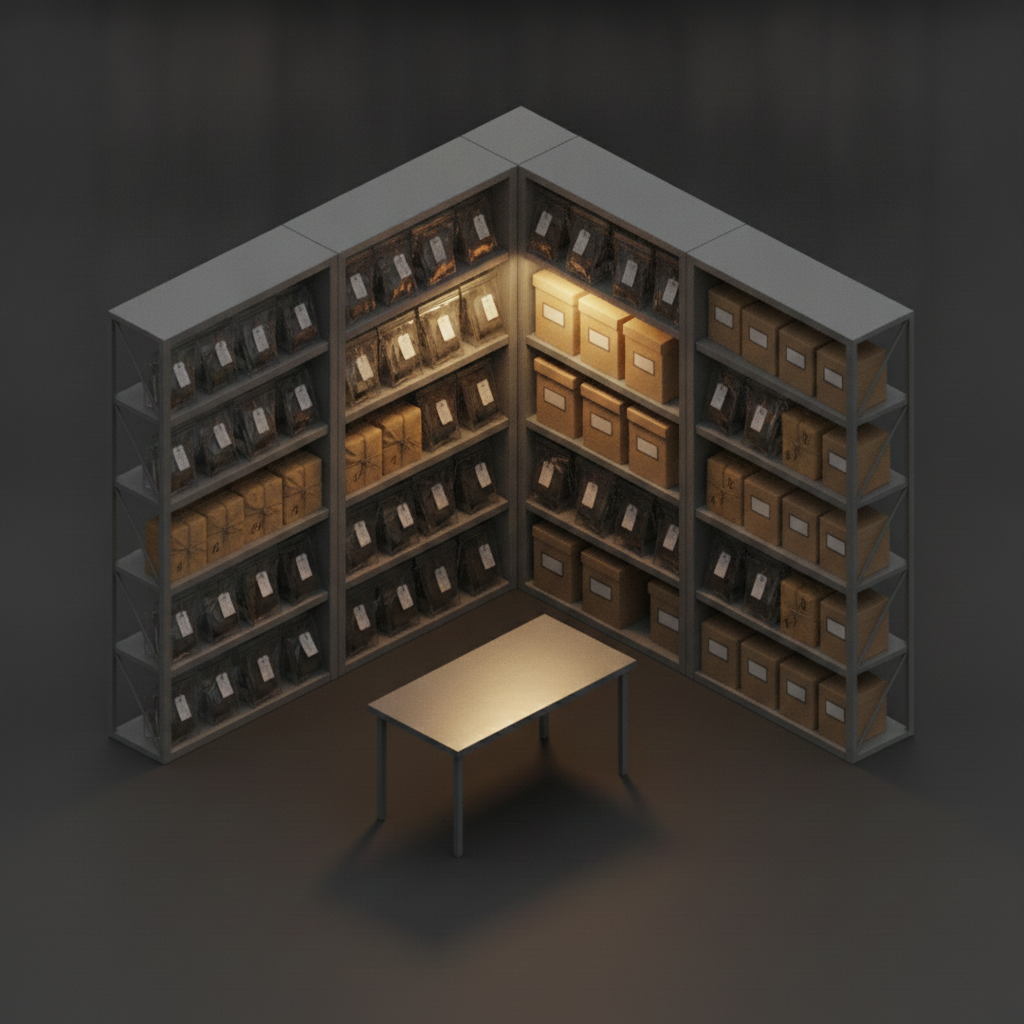
Evidence property room with metal shelving of sealed bags and numbered boxes
Evidence & property

Chain-of-custody you can actually find

Every bag and box logged to its exact shelf, with a baseline that flags anything moved or missing.
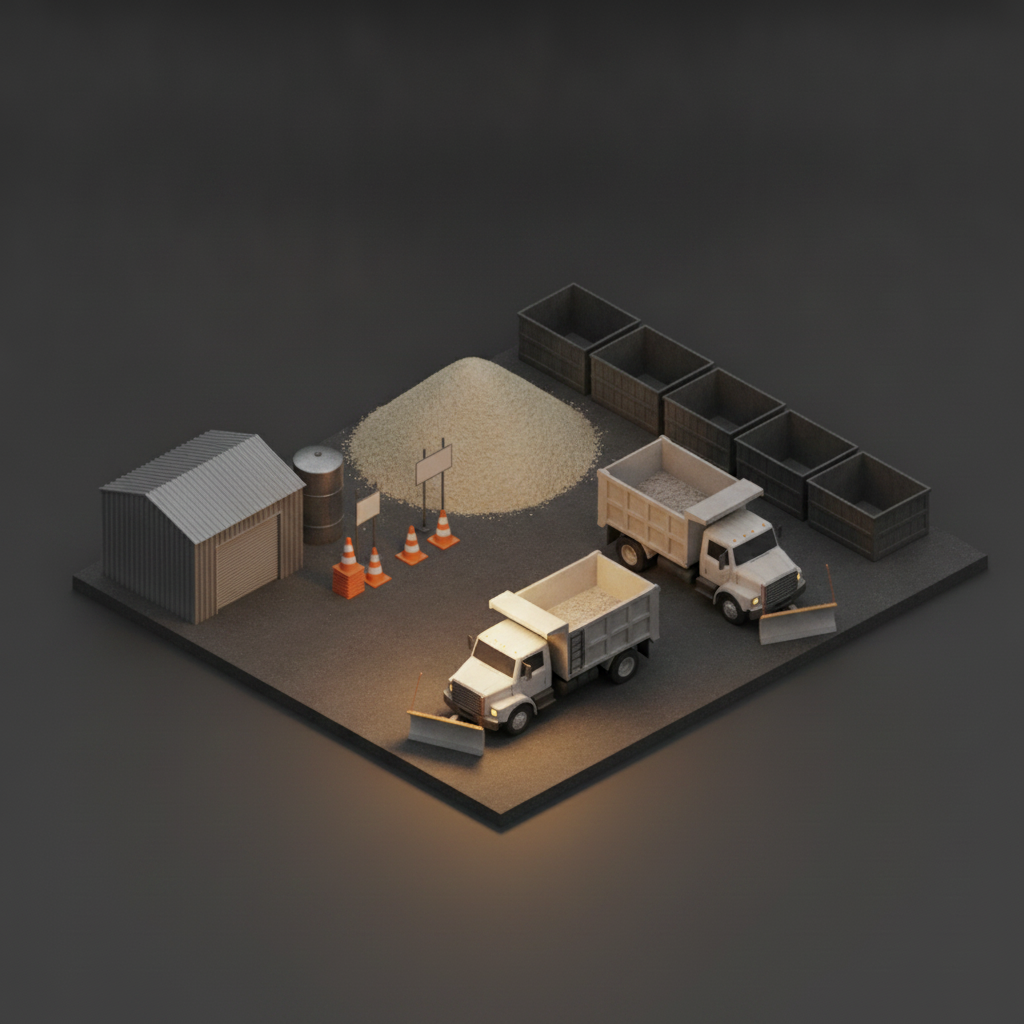
Diorama of a city public-works depot yard with dump trucks, a salt pile, cones and an equipment shed
Cities & public works

Every yard, depot, and asset on the map

Map depots, vehicles, parks, and signal cabinets — one digital twin of everything the city owns, and where it is.

The same engine works for storerooms, labs & cleanrooms, tool cribs, hobby & collection rooms, churches & facilities, event & AV rental — and anywhere else you need to know what's there, and exactly where.

Scan

Take a few photos or shoot a video of any room, shelf, box, trailer, or warehouse.

AI builds your inventory

Objects are recognized automatically and organized into a searchable inventory.

Find anything

Ask where something is and PlaceMap tells you exactly where to look.

What it does

Capture. Locate. Monitor.

You capture a space once. PlaceMap remembers what's in it, where each thing sits, and what changes over time.

Capture

Photograph or film any space

Snap a few photos or shoot a quick video — a room, a shelf, a trailer, a warehouse aisle. The AI recognizes what's in it and builds an itemized, searchable inventory — no typing an inventory by hand.

Locate

Every item knows where it belongs

Each thing is pinned to its exact place — the room, the shelf, the bin, the box, right down to “behind the blue toolbox.” Ask in plain words and PlaceMap points you to it.

Monitor

Know what changed over time

Every scan is a baseline. Re-scan later and PlaceMap shows what moved, what's missing, and what's new — so a space is never a mystery again.

Why it's different

Inventory apps know what. PlaceMap knows where.

A list tells you that you own a drill. PlaceMap tells you it's on the workbench, bottom shelf, behind the blue toolbox — and shows it on an interactive map of the space.

  • The place, not just the label

    A real location in a real space — “back wall, layer 2, behind Box 18” — not a row in a spreadsheet.

  • Ask in plain words

    “Where are the Christmas lights?” beats scrolling a database. The AI understands what you meant.

  • An interactive map of the space

    PlaceMap places every item and gives you a live map you can spin, so you see exactly where things sit.

You asked: “Where's the power drill?”
Power drill
Garage
Workbench
Bottom shelf
behind the blue toolbox
  • Also here: sockets
  • Impact bits
  • Charger ×2
Tap to open the original photo and the interactive map of the space.
PlaceMap × Waypoints

One map. Every place — and everything inside it.

Waypoints maps the places. PlaceMap fills them with a live, searchable inventory. Drill from a map of every location all the way down to the exact shelf — where's the place, and what's in it. Buy either on its own; together they're a digital twin of your operation.

Waypoints — the places PlaceMap — what's inside Every count came from a phone scan — no manual entry.
Built for your phone

Capture on your phone. Manage on the desktop.

The whole point is doing it right where you stand — one hand, a few photos or a quick video. Bigger jobs get a desktop to organize, export, and share.

Phone

Where the work happens

Native, one-handed, in the moment.

  • Scan a space
  • Search & find
  • Ask where anything is
  • Update as things move
Desktop

Where you manage it

For the bigger inventories and teams.

  • Manage many inventories
  • Export & reports
  • Teams & permissions
  • Build and edit maps
Spatial intelligence, not just inventory

Everywhere you need to know what—or who—is there.

PlaceMap answers one universal question: what (or who) is in this place, and where exactly is it? Objects, people, animals, equipment, vehicles, collections — the same engine. Inventory is simply the first application. Here's where it goes.

Don't see yours? If it's a space with things — or people — in it, PlaceMap maps it. Get started and tell us what you'd point it at.

Ready when you are

Start mapping your space today.

Drop your email and we'll get you set up — no waitlist, no waiting.

We'll only email you about PlaceMap. Unsubscribe anytime.

Something went wrong. Please try again, or email hello@placemap.ai.

You're in.

Thanks — we'll email you your access details shortly. Keep an eye on your inbox.

FAQ

Straight answers.

What kinds of spaces does it work in?
Any of them. A closet, a garage, a storage unit, a warehouse aisle, a job trailer, a stockroom, a whole household. If you can photograph it, PlaceMap can turn it into a searchable inventory that knows where everything is.
Do I have to type the inventory by hand?
No — that's the whole point. You photograph the space and the AI recognizes what's in it, building the list for you. You just glance at it and confirm or fix anything it misread.
How does it know where something physically is?
PlaceMap ties each item to its place from your photos — the room, the shelf, the bin, the box, and its spot in the stack — and shows it on an interactive map of the space. That's what lets it answer “bottom shelf, behind the blue toolbox” instead of just listing that you own the thing.
Does it need special labels or QR codes?
No. A number written on a box with a marker is enough — PlaceMap reads it from your photo. QR labels are an optional extra for businesses that want printed, scannable tags, but they're never required.
Can it tell me when something changed?
Yes — that's Monitor. Your first scan is a baseline. Re-scan the space later and PlaceMap compares them, so you can see what moved, what's missing, and what's new. Useful for a job trailer, a rental turnover, a storage unit, or an insurance record.
Is it a phone app or desktop?
Phone-first — capturing and finding happen right where you're standing. A desktop side handles the heavier work for bigger inventories and teams: managing, exporting, reports, permissions, and editing maps. Like Google Photos: capture on your phone, organize on the desktop.
How do I get started?
Drop your email above and we'll get you set up and send your access details — no waitlist, no waiting. Questions first? Email hello@placemap.ai.